This guide is for IT admins, finance teams and buyers who would rather purchase Emailgistics, the Outlook-native shared inbox for Microsoft 365, through Microsoft than directly. It covers where to find Emailgistics, why teams buy this way and how existing customers switch their subscription to Microsoft billing.
Where to buy Emailgistics through Microsoft
Emailgistics is a Microsoft Certified Partner and is listed in two Microsoft storefronts:
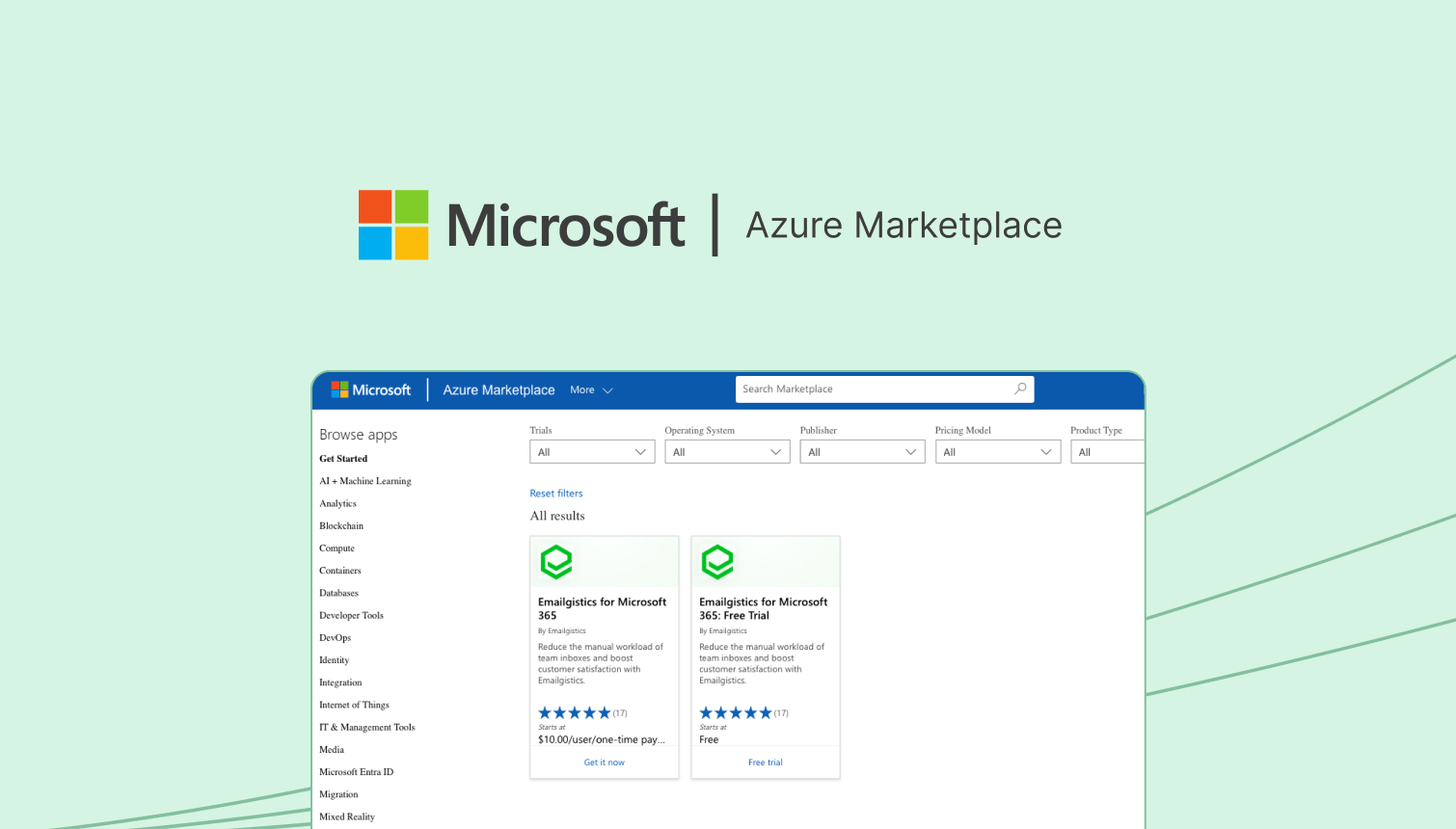
- Azure Marketplace, an online store for buying and selling cloud solutions certified to run on Azure. It connects companies looking for cloud-based solutions with partners who have built solutions that are ready to use.
- Microsoft AppSource, Microsoft's store for business apps that work with Microsoft 365 and other Microsoft products.
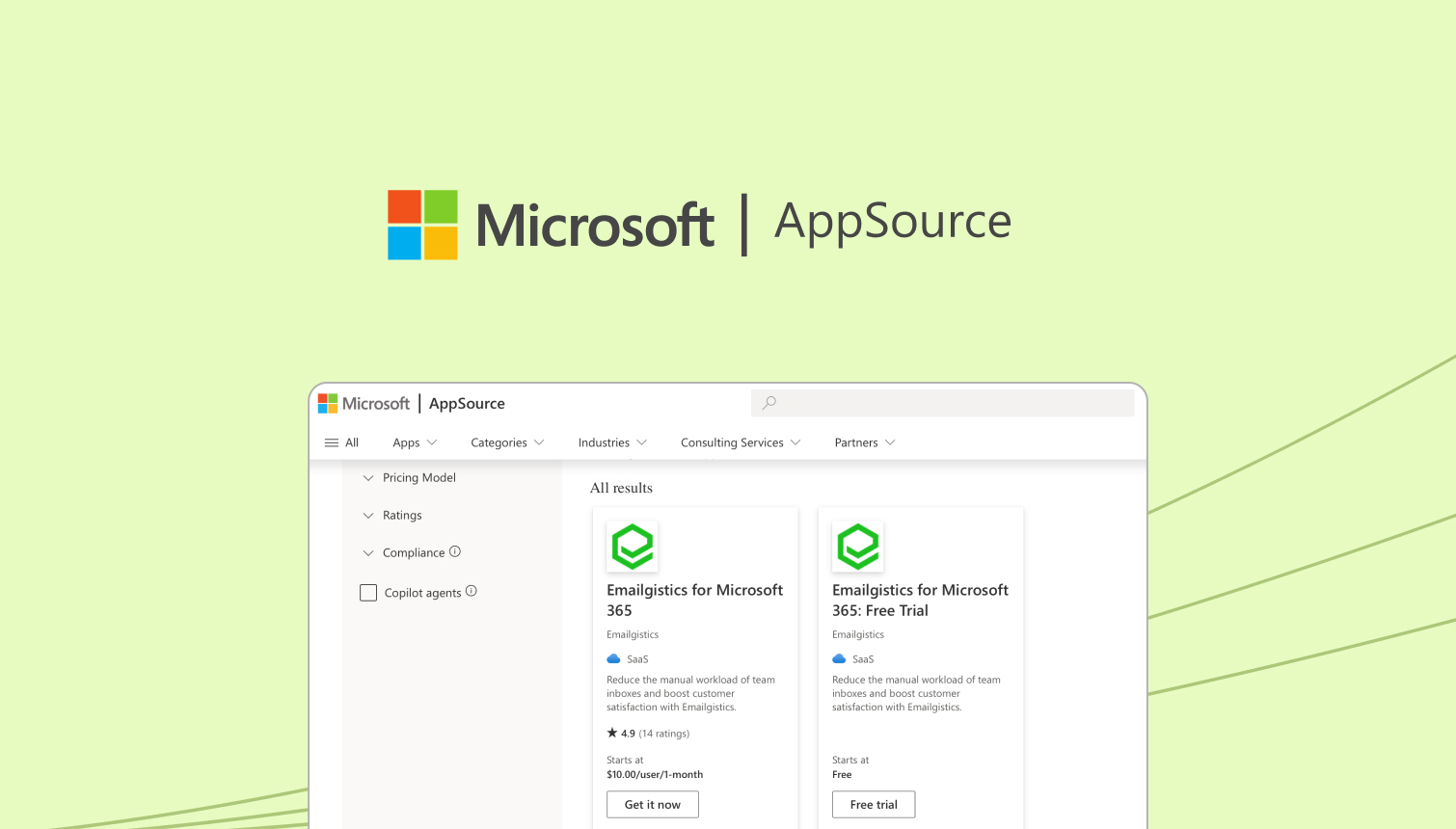
Both routes give you the same product: Emailgistics works inside Outlook on your existing shared mailboxes, adding automatic assignment, rules, SLA alerts, reporting and dashboards for teams of all sizes, in industries such as manufacturing, logistics, financial services and travel. What changes is how you buy and pay for it.
Benefits of buying through Microsoft
Trust and verification. Solutions listed on AppSource, including Emailgistics, are evaluated against Microsoft's quality standards, security protocols and compliance guidelines before they're published, so you can buy with confidence that the app has been reviewed.
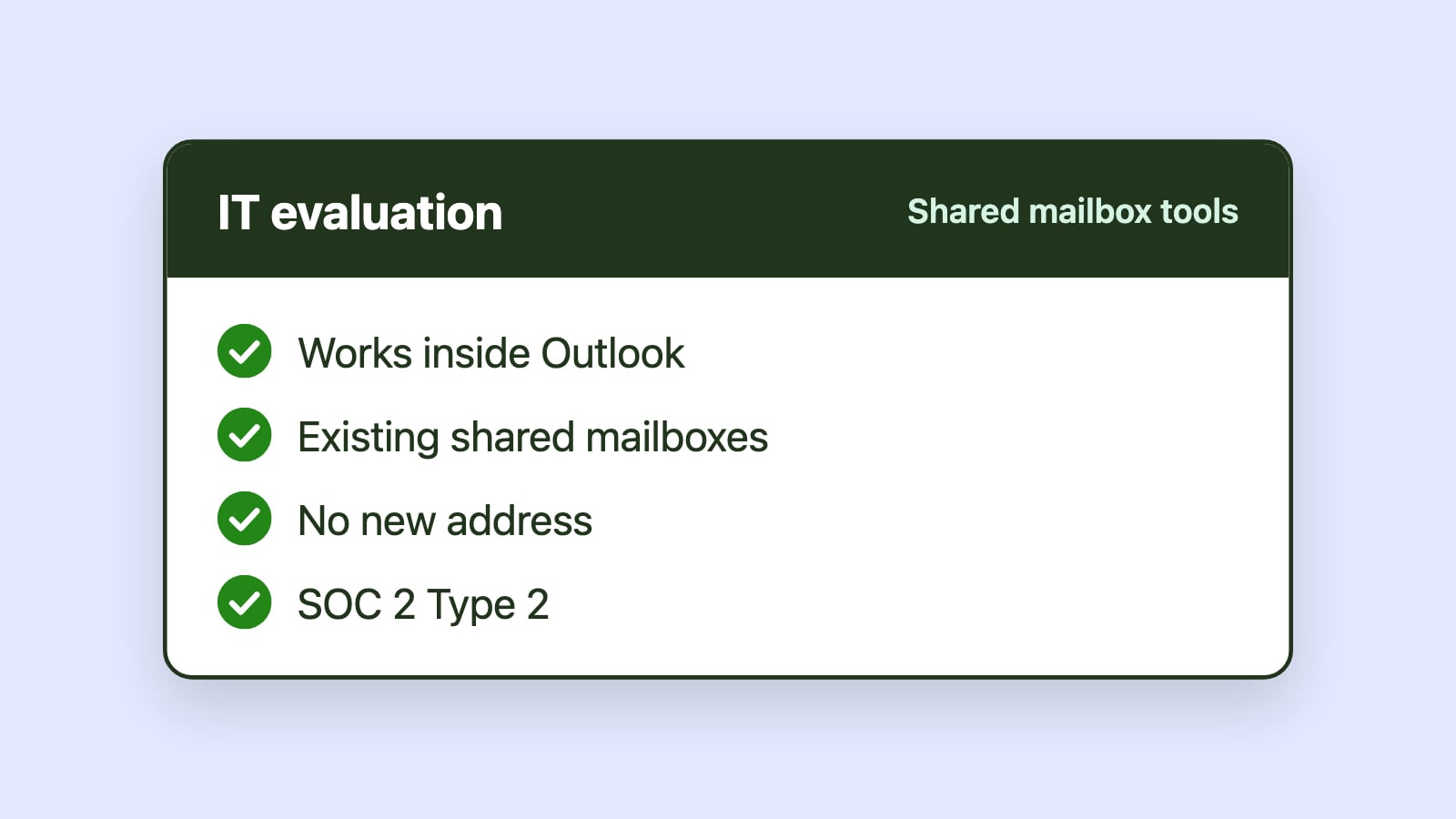
Seamless integration. Emailgistics works inside Microsoft Outlook and is fully compatible with your existing Microsoft 365 setup. Your team keeps the familiar Outlook experience, which simplifies onboarding and training.
Centralized, simplified billing. You manage your Emailgistics subscription in your existing Microsoft account, alongside your other Microsoft services and anything else you buy through AppSource or Azure Marketplace. Costs are consolidated into a single statement, which makes expenses easier to track and cuts down on administration.
Azure commitments. Buying through Azure Marketplace is particularly useful for businesses with a Microsoft Azure Consumption Commitment (MACC) to fulfill.
Try Emailgistics before you buy
Emailgistics offers a 14-day free trial of the Professional plan, no credit card required. The trial lets you explore Emailgistics with your own shared mailboxes, in your own Microsoft 365 environment, so you can make an informed decision before you choose how to buy. To get started, book a demo.
How to switch an existing subscription to Microsoft billing
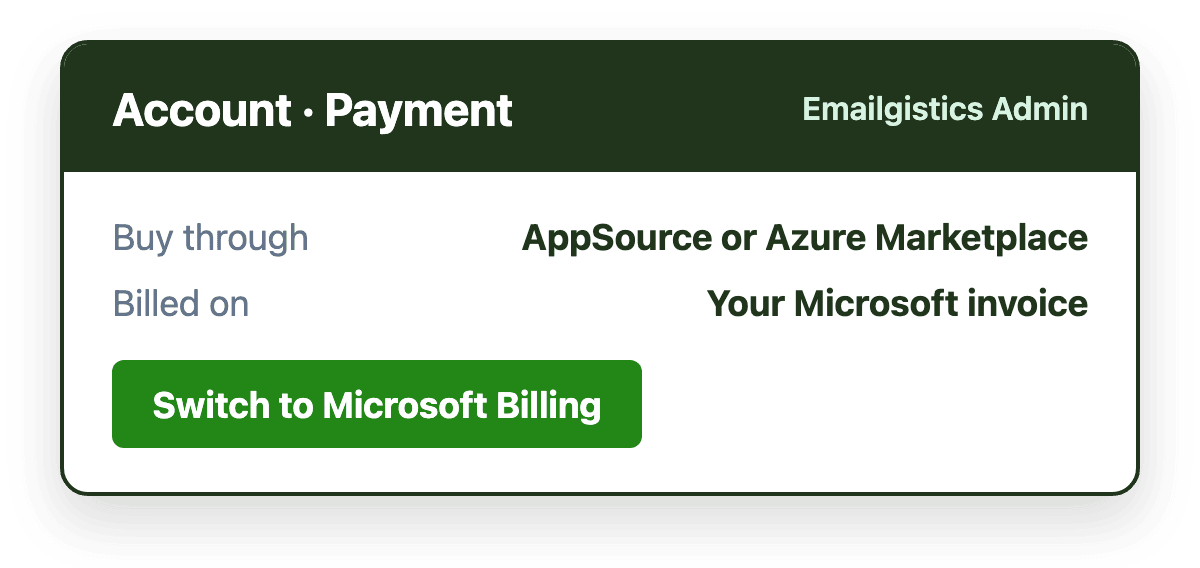
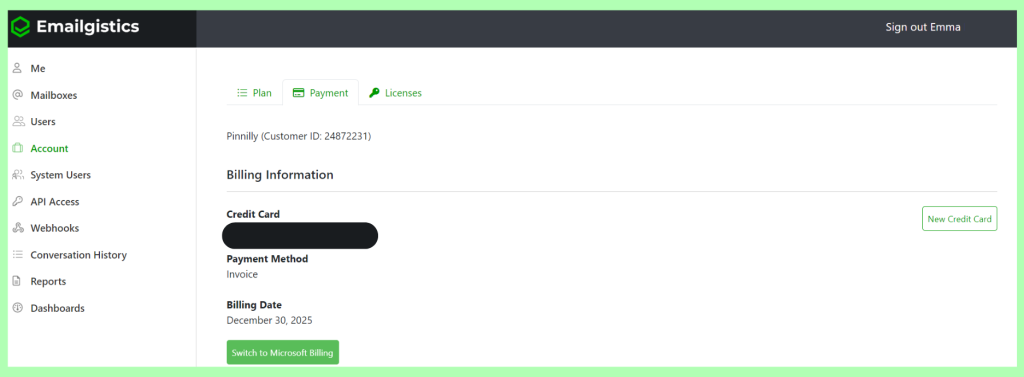
If you already pay Emailgistics directly, you can move your subscription to Microsoft billing through AppSource or Azure Marketplace from Emailgistics Admin.
Before you switch
- Unassign licenses. Unassign all licenses of one type and wait for the end of your billing cycle before switching.
- Check purchase permissions. Make sure your Microsoft account has the permissions needed to make purchases.
- Plan for license assignment. The Microsoft billing method does not currently support the "Automatically purchase licenses" option. New users will only be assigned available licenses during synchronization, so buy enough licenses for the people who need them.
Steps
- Sign in to Emailgistics Admin with your admin credentials.
- Go to Account > Payment.
- Choose Switch to Microsoft Billing.
Need help?
If you run into any issues or have questions about buying through Microsoft or switching to Microsoft billing, contact our support team at [email protected].