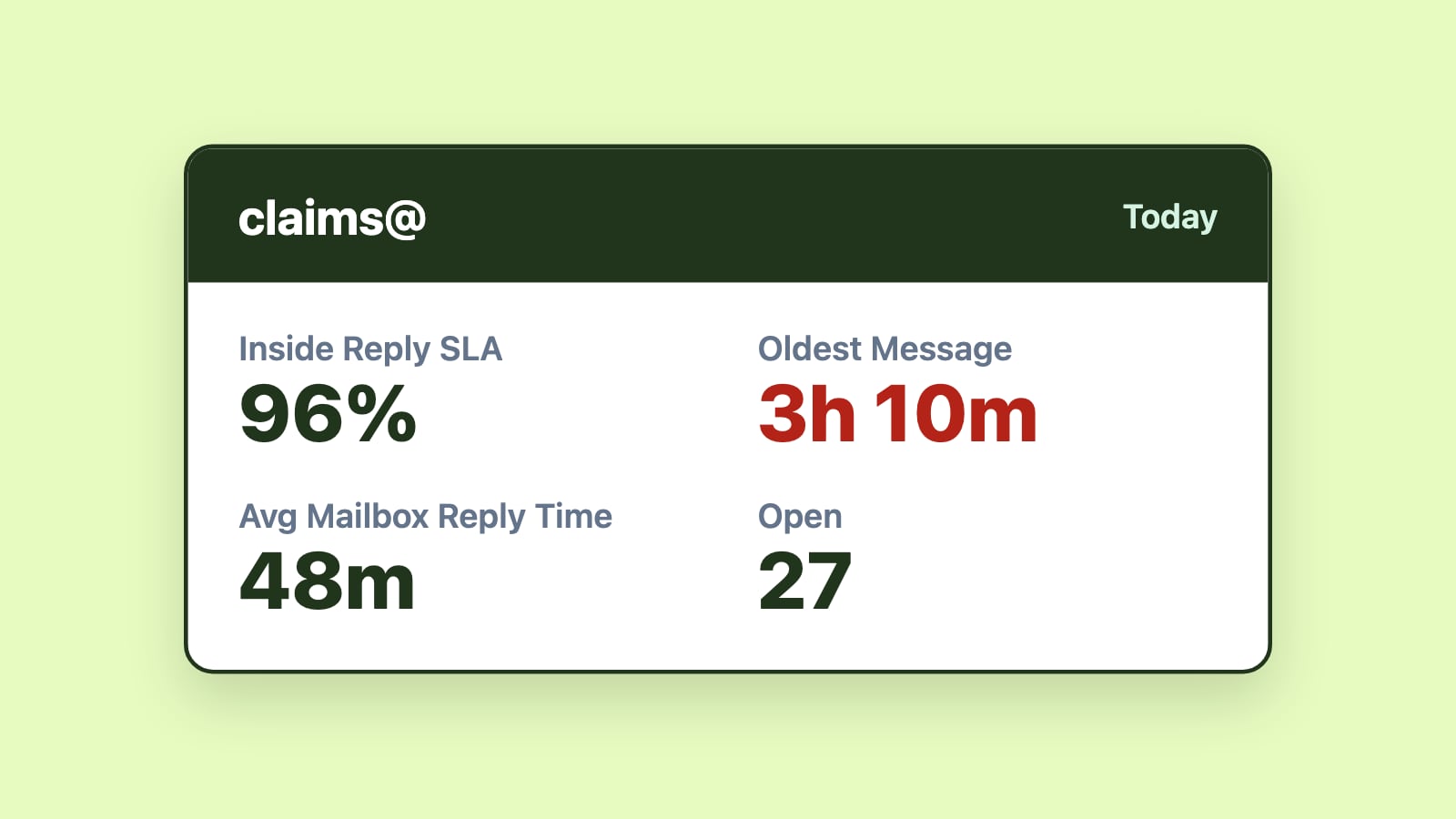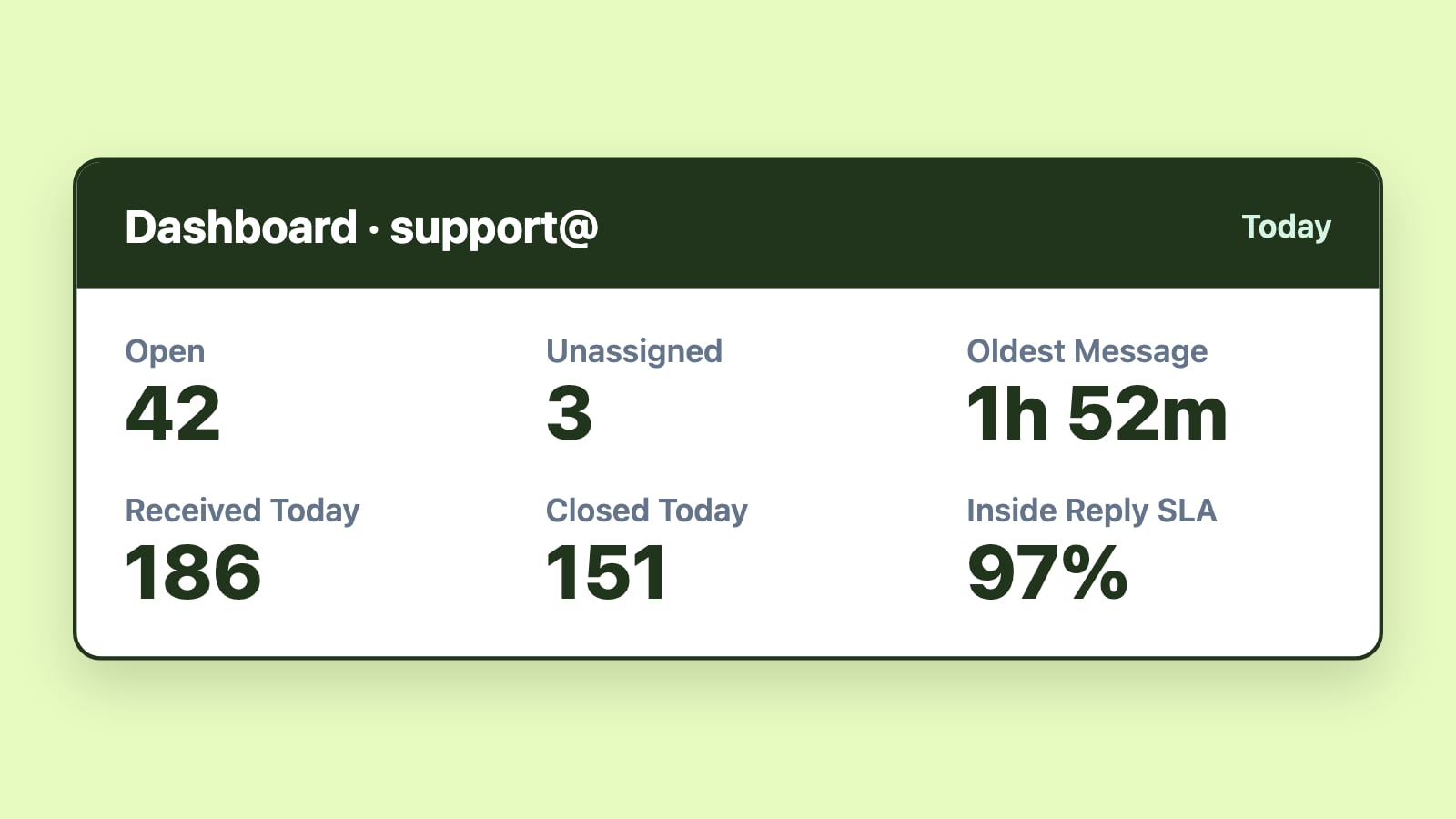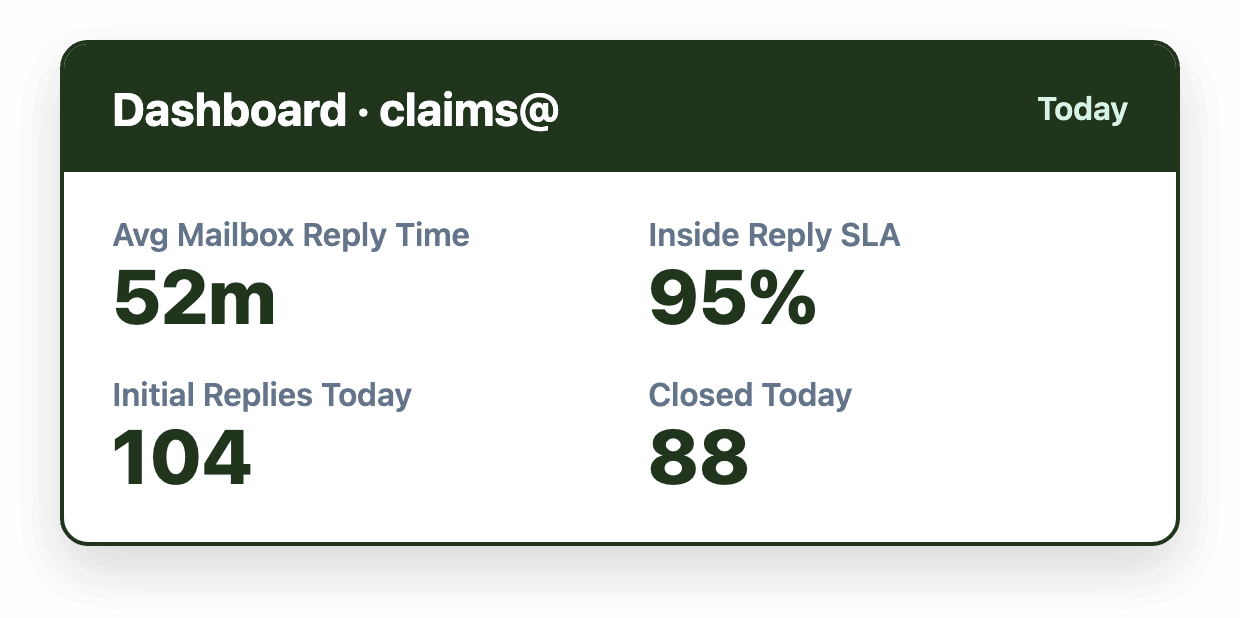
Insurance teams that track customer service metrics such as Initial Reply Time, SLA breach rate, unassigned email volume, and user closed counts can catch service problems, like a missed reinstatement or a stalled claim, before they become complaints. These metrics turn a shared mailbox into a measurable operation, giving leaders the visibility to fix bottlenecks and hold staffing and workflows accountable.
Introduction
In insurance, a delayed email response can mean more than a frustrated customer. It can lead to a lost renewal, a missed reinstatement, or even a formal complaint. By tracking customer service metrics, you can proactively fix issues before they turn into low Customer Satisfaction Scores (CSAT) that hurt your company’s credibility.
If you want a better handle on how your team is really performing, these seven customer service KPIs are a smart place to start.
1. Initial Reply Time (IRT)
What it is: How long it takes to reply to a customer email for the first time.
Why it matters: Whether it’s a billing issue or a claim, delays at the first touchpoint can make clients feel ignored, even if their issue is resolved later.
How to track it in Emailgistics: IRT is tracked per user or mailbox. You can view averages over time or drill down into specific emails that exceeded your targets.
Tip: Set internal benchmarks (e.g., 1 hour for claims, 4 hours for general inquiries) and track outliers to catch workload imbalances or bottlenecks.
2. User Action Time
What it is: Measures from the moment an email is assigned, through the initial reply, to when it's resolved (typically marked by archiving the message).
Why it matters: A reply isn’t always a resolution. By tracking the full lifecycle of a message (from assignment to closure), you gain a more accurate view of team efficiency, workload, and customer experience.
How to track it in Emailgistics: Emailgistics dashboards and reporting tools give at-a-glance visibility into Initial Reply Time and Time to Archive. Together, these tell the full story of the user action time required to achieve full resolution.
Tip: Track User Close Time alongside user Initial Reply Time to differentiate between responsiveness and resolution. Fast replies are great, but timely, complete follow-through is what drives satisfaction.
3. SLA Breach Insights
What it is: The percentage of emails that were not responded to within your defined service-level agreement window.
Why it matters: SLA breaches hurt customer trust, violate contractual agreements, and open up compliance risks.
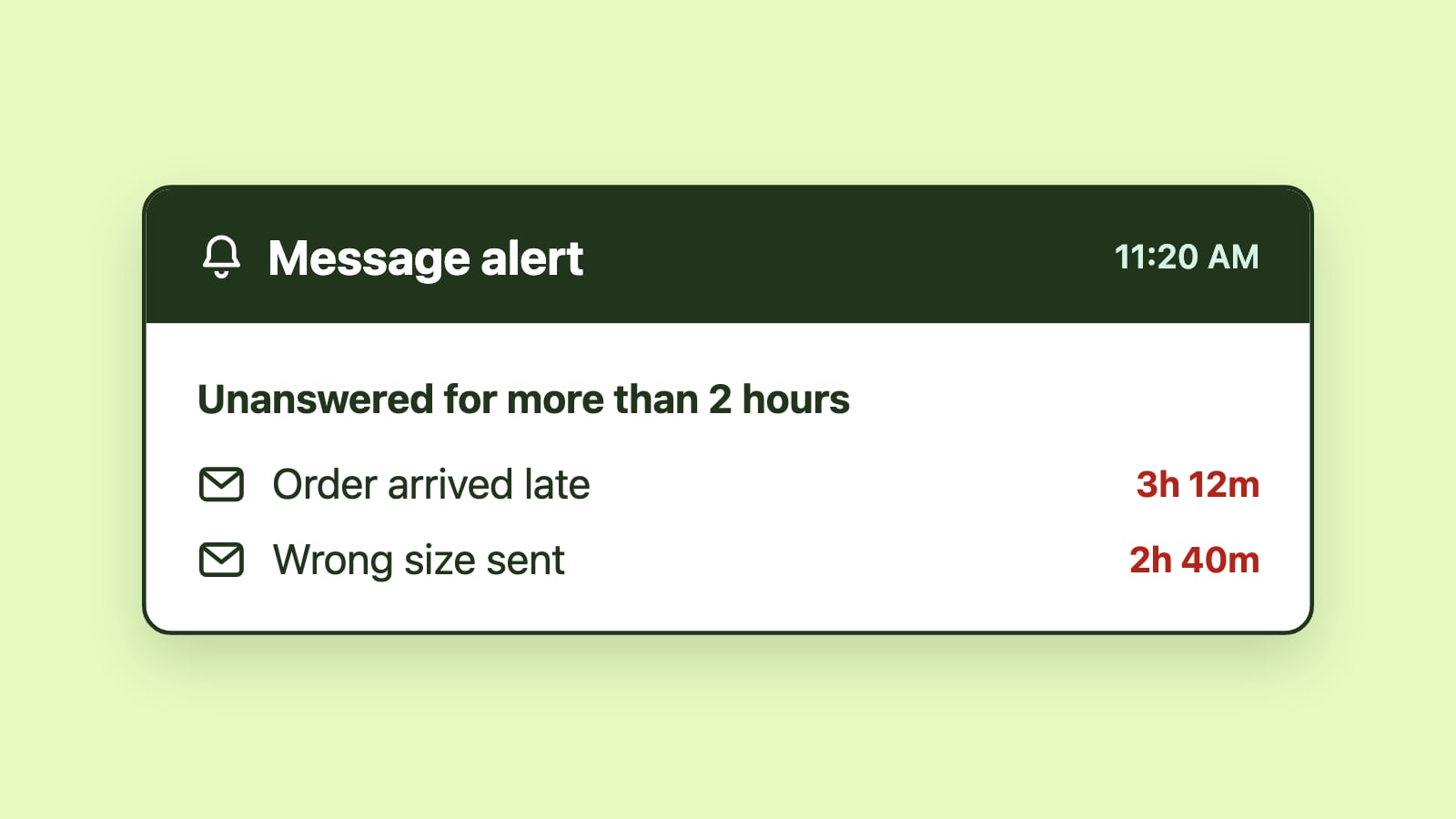
How to track it in Emailgistics: You can define SLAs per inbox (e.g., 24 hours for general support, 4 hours for reinstatements) and trigger alerts when a message has waited longer than your target. If your SLA rate is 84%, then your SLA breach rate is 16%.
Tip: Review breach patterns monthly. Are breaches clustering at specific times or inboxes? Adjust staffing or routing accordingly.
4. Inside Reply SLA and Inside Close SLA
What it is: The percentage of replies and resolutions (email closures) that occur within SLA windows.
Why it matters: These customer service metrics show how consistently your team meets expectations from first reply to full resolution.
How to track it in Emailgistics: These percentages can be monitored in real time in the team inbox dashboard and accessed in the reporting suite.
Tip: Use these metrics to set performance goals and flag where delays tend to happen mid-conversation.
5. Unassigned Email Volume
What it is: The number of emails currently sitting in a shared inbox that haven’t been assigned to a team member.
Why it matters: Unclaimed emails are invisible emails. Tracking unassigned email volume helps you ensure that someone is always accountable and replies are never missed.
How to track it in Emailgistics: A real-time view of the unassigned queue is built into the dashboard. You can filter by mailbox or drill down to specific users and the age of messages using the Open Message Detail report.
Tip: Make sure your email management platform allows you to set rules that will automatically send a message to specific team leads when there are a certain number of unassigned messages in the mailbox. If you can’t automate this, you may need to assign someone to monitor unassigned emails throughout the day.
6. Email Volume by Tag
What it is: A breakdown of inbound email by topic or workflow, such as Claims, Billing, Renewals, or Account Updates.
Why it matters: Volume by Tag helps you spot operational trends. Are claims surging? Are policy questions spiking after a rate change? Is your website failing to answer common billing questions?
How to track it in Emailgistics: Emailgistics supports tagging rules (e.g., by keyword or mailbox) to auto-categorize emails and report on volumes by type.
Tip: Use this data to staff smarter, spot self-service opportunities, or work with marketing to improve FAQ content.
7. User Closed Counts
What it is: A measure of how many conversations each team member has closed within a given period.
Why it matters: High close counts suggest strong resolution skills; low counts can reveal training needs or process blockers.
How to track it in Emailgistics: Reports show closed counts by user, helping managers spot top performers and identify coaching opportunities.
Tip: Pair close counts with quality audits. A high-volume closer may need support on accuracy or tone, while a low-volume agent may be bogged down by complexity.
Build great customer service, one step at a time
You don’t need to track everything at once. Start with a few key customer service metrics that matter most, like first response times or unassigned emails, and build from there. Emailgistics makes it easy to track progress and add incremental improvements over time.
Curious what slow response times are costing you? Our ROI calculator estimates the dollar impact using your own team size and average salary.
**Want to learn more? **Read our guide on which email management tool is best for insurance customer service teams.
Want to see Emailgistics in action? Book a demo, then try it free for 14 days.