This guide is for Microsoft 365 teams that share responsibility for an inbox and want response targets to be more than good intentions. It covers what SLA tracking means in a shared mailbox, the metrics that matter, how to use SLA data to find and fix recurring delays, and how to keep SLAs a guardrail rather than a source of pressure.
Introduction
Shared mailboxes are often the front door for important communication. Customers, partners and internal teams rely on shared addresses because they expect reliability and timely responses. When responses are slow or inconsistent, trust erodes quickly. For Microsoft 365 teams, this challenge becomes more pronounced as volume increases and responsibility is distributed across multiple people.
Service-level agreements, or SLAs, are commonly associated with help desk software, but they are just as relevant in shared mailbox environments, where they work as operational guardrails. In a shared inbox, SLAs introduce structure around time. They make expectations visible, show which messages have waited longest, and help teams coordinate around shared response targets.
Many teams try to manage SLAs informally, relying on frequent inbox checks, memory or periodic reviews to make sure messages are handled "quickly enough." That may work at low volume, but it breaks down as traffic grows. Without data, teams cannot tell normal variation from a developing problem, nor reliably explain performance after the fact. Tracking SLAs with data shifts the focus from intention to evidence.
Definition: SLA tracking in shared mailboxes
SLA tracking in a shared mailbox is the practice of measuring and monitoring how long messages wait before receiving a response, based on defined time thresholds.
In Microsoft 365 shared mailboxes, SLA tracking typically centers on first-response time and message aging. Unlike personal inboxes, shared mailboxes require coordinated action, so SLA tracking introduces time-based accountability at the team level rather than relying on individual vigilance.
Used well, it is also data-driven: the team identifies which messages have waited longest or exceeded thresholds, analyzes patterns in backlog and delay, and uses that history to refine routing, staffing and workflow design. Decisions rest on observable signals rather than impressions, and time becomes a visible operational dimension instead of a hidden variable.
Why intention-based SLA management fails
Time is often the least visible dimension of work in a shared inbox, and Outlook has no native SLA tracking or alerts. Many teams believe they are meeting SLAs because individuals are trying to respond promptly. Good intentions, however, do not scale.
Delays are invisible in a standard inbox view. A message that has been waiting several hours can look identical to one that arrived moments ago, so teams respond to what is most recent or most visible rather than what has waited longest.
Prioritization becomes inconsistent. When SLAs are managed mentally, each person interprets urgency differently. One team member focuses on the newest messages while another tries to clear older threads, and over time that inconsistency undermines reliability.
There is no feedback loop. Without measurement, teams cannot tell whether workflow changes are improving performance or merely shifting delays elsewhere.
SLA tracking changes this dynamic. By surfacing aging messages and flagging those that have passed their target, it removes guesswork from prioritization, aligns the team around shared expectations and gives managers objective visibility into response behavior. Without SLAs, prioritization tends to be reactive. With SLAs, it becomes systematic.
Shared mailbox SLAs versus help desk SLAs
SLAs are frequently associated with ticketing systems, but their function differs in shared mailbox environments. In help desks, SLAs are tied to ticket states and lifecycle stages. In shared mailboxes, SLAs are tied directly to email messages and response timing.
The focus in shared mailboxes is often on first-response time rather than full resolution time. Teams continue working inside Outlook rather than switching to a separate interface, and SLAs must coexist with flexible, email-based workflows. Understanding this distinction helps teams apply SLAs appropriately without forcing ticket-centric processes onto shared inbox collaboration.
Core SLA metrics in shared mailboxes
Most shared mailbox SLA tracking revolves around a small set of time-based metrics.
First-response time measures how long it takes for a sender to receive an initial reply. It is often the most important metric, because it directly shapes how responsive the team appears to customers.
Message aging shows how long unanswered emails have been waiting, so the team can see which messages have waited longest.
Backlog shows whether work is accumulating faster than it is being completed.
Breach thresholds flag messages that have waited longer than the SLA allows, so the team can act on a missed target right away instead of discovering it through a complaint weeks later.
Together, these metrics provide a time-based lens that complements workload and volume data.
How SLA data changes prioritization
SLA tracking changes behavior by making time explicit. When teams can see how long messages have been waiting, prioritization becomes objective rather than subjective. Older and overdue messages rise to the top, and lower-priority items can wait without anyone losing track of them.
SLA visibility also supports workload adjustments. If messages start waiting longer with one person or mailbox, work can be redistributed before performance degrades. This reduces firefighting: instead of reacting to escalations, the team works from shared signals rather than individual habits, and consistency improves.
Using SLA data to find patterns and improve workflows
Individual SLA misses are rarely random. They usually reflect structural friction, and data lets teams see patterns rather than isolated failures.
Recurring delays during shift transitions, backlog spikes at certain times of day, or specific message types that consistently take longer to resolve become visible only when measured over time.
That makes SLA data a learning tool rather than an enforcement tool. Teams use it to test whether routing logic is working, check whether staffing levels match volume, and clarify response expectations. If certain workflows consistently exceed their targets, that signals a need for redesign rather than reprimand. Instead of repeatedly apologizing for delays, teams adjust routing, staffing or workflow steps to address root causes, and responsiveness improves sustainably rather than temporarily.
Using SLAs as guardrails, not pressure
One of the most common mistakes is treating SLAs as rigid enforcement mechanisms. In shared mailboxes, SLAs work best as guardrails. They should reflect realistic expectations based on volume, staffing and workflow complexity.
When thresholds are reasonable and visible to the entire team, SLAs create shared awareness rather than stress. They guide attention to the messages that need it while preserving flexibility for exceptions. Used correctly, SLAs support sustainable performance instead of encouraging rushed replies.
The same applies to SLA data. It fails when it is misused:
- Unrealistic thresholds create unnecessary stress.
- Focusing exclusively on breaches ignores broader trends.
- Using data to assign blame rather than improve systems discourages transparency.
Effective teams treat SLA data as guidance. Context still matters, especially in complex or exceptional cases. Data informs judgment; it does not replace it.
The relationship between SLAs and ownership
SLA tracking is most effective when ownership is clearly defined. Data shows that a message is overdue; ownership determines who should act. Without explicit ownership, SLA alerts become background noise because responsibility is unclear.
When ownership and SLAs operate together, accountability becomes precise. Ownership answers who should act. SLAs answer when action is required. When each message has a visible owner, SLA signals translate directly into action, escalation paths are clear, and handoffs across shifts or roles are simpler.
Integrating SLA tracking into Outlook workflows
For Microsoft 365 teams, adoption improves when SLA tracking is visible where work happens rather than layered onto a separate system. Reporting tools that operate outside Outlook often lag behind real-time conditions and take extra effort to consult. When time-based signals are visible alongside messages, teams can act without changing tools.
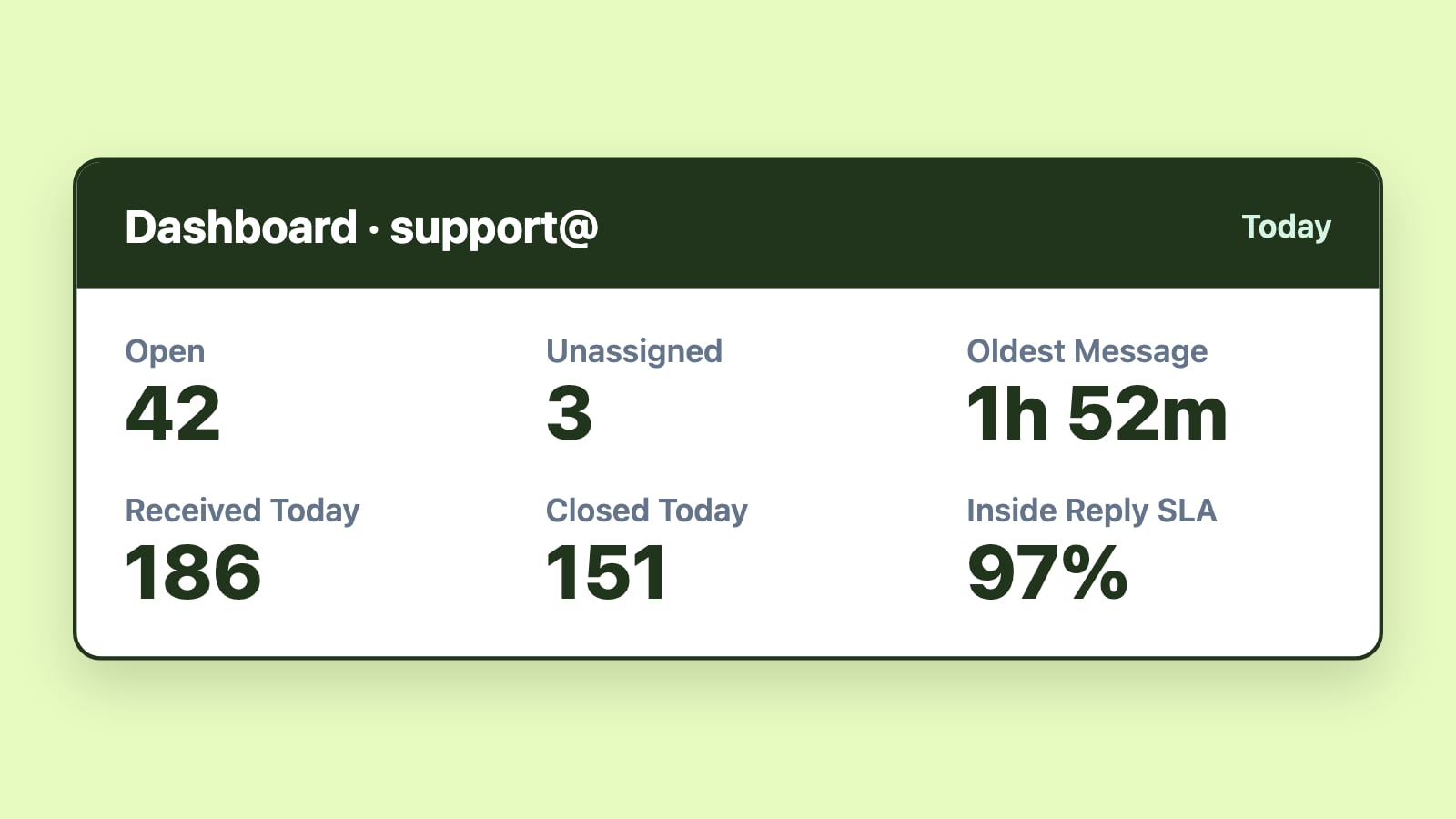
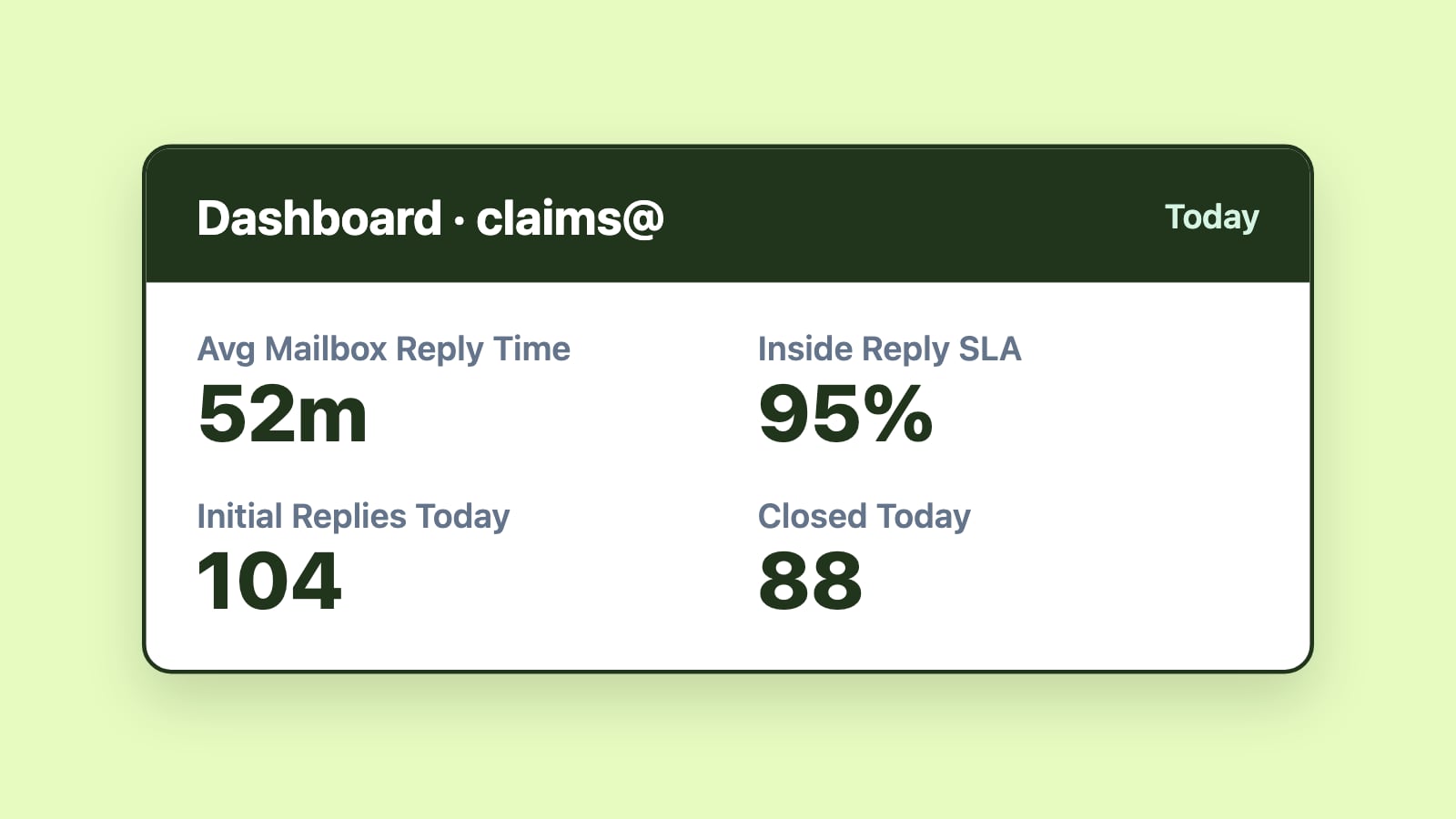
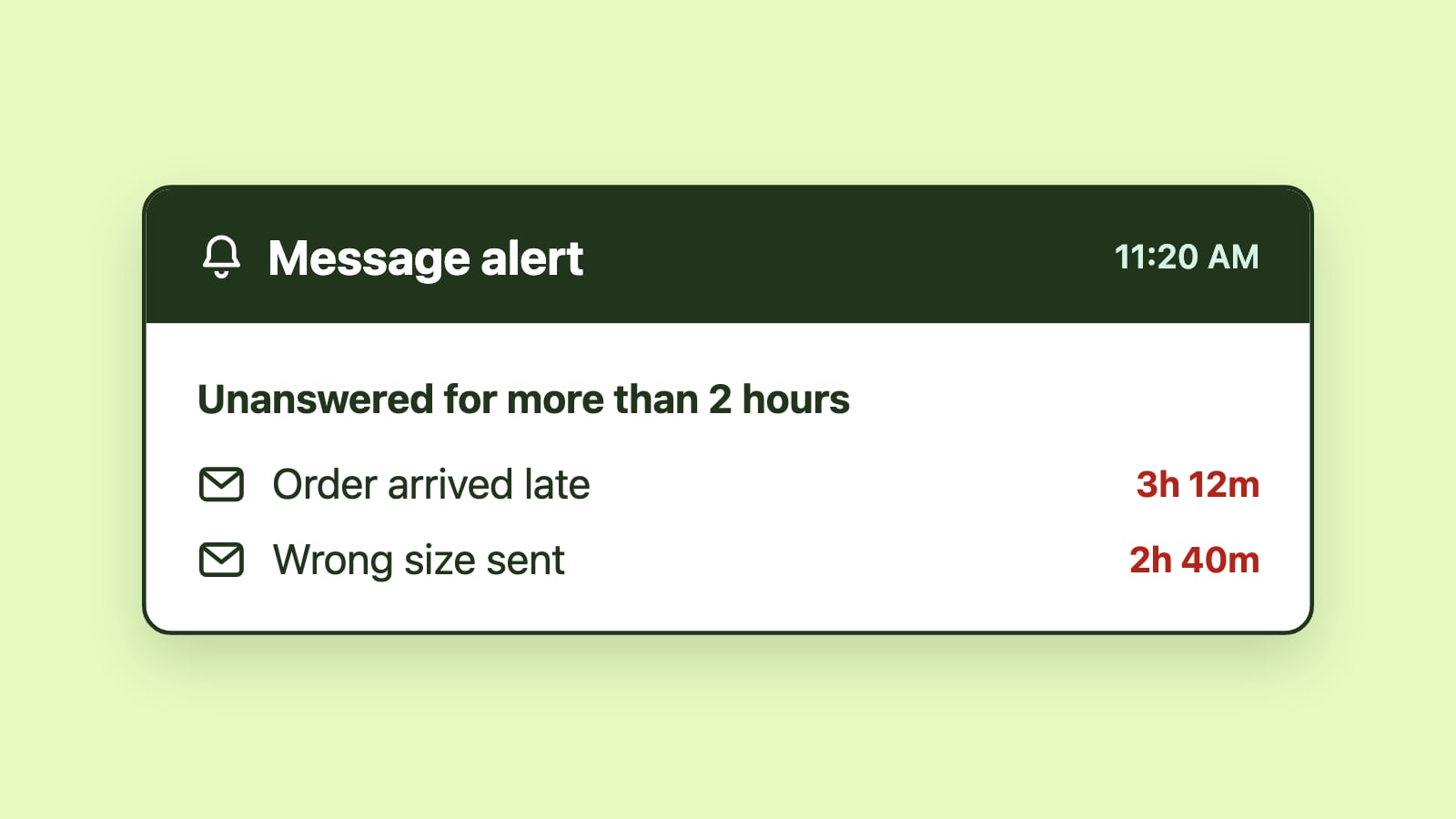
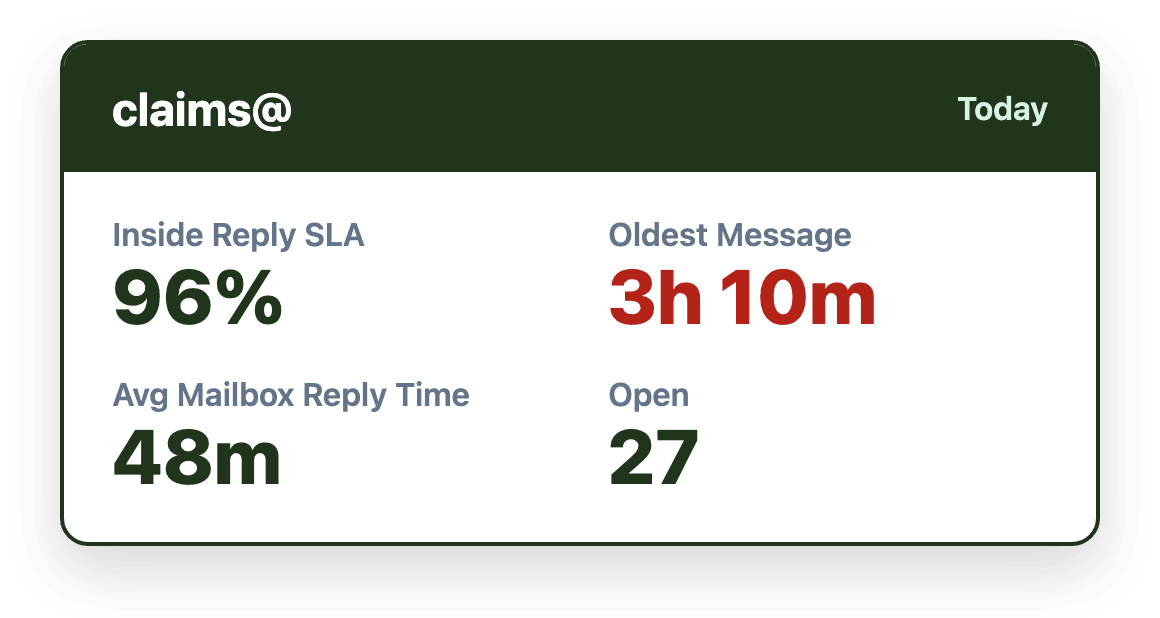
Emailgistics is a Microsoft 365-native shared mailbox management platform that provides SLA alerts, automated assignment, rules-based routing, real-time dashboards and reports inside Outlook. Managers are alerted when an email has waited longer than the target, and dashboards and reports show which messages have waited longest and how response times trend over time.
When to introduce SLA tracking
Teams typically benefit from SLA tracking when:
- Multiple people share responsibility for an inbox.
- Response expectations exist, whether formal, informal or contractual.
- Volume fluctuates significantly or backlog begins to accumulate.
- Missed messages or delayed replies have already occurred.
- Delays create business or compliance risk.
In these environments, managing SLAs informally is unsustainable, and measurable signals are the only reliable way to stay consistent as complexity grows. In many cases, SLAs simply formalize expectations that already exist but are not consistently enforced.
What SLA tracking does not replace
SLA tracking does not replace effective routing, clear ownership, balanced workload or human judgment. SLAs show where timing is slipping, but they do not solve structural workflow gaps on their own. They function best as part of a broader shared mailbox management approach.
Conclusion
SLA tracking turns shared mailbox responsiveness from a matter of intention into a measurable, manageable system. By making response expectations visible and surfacing delays quickly, SLAs help teams prioritize consistently and reduce reactive escalation. Measured over time, the same data reveals the patterns behind missed targets so routing, staffing and workflows can improve. Combined with clear ownership and Outlook-native workflows, SLA tracking becomes a coordination tool rather than a source of pressure.