AI-driven workflow automation helps non-technical teams managing Microsoft 365 shared mailboxes by using AI summarization and AI-suggested replies to reduce triage time and speed up drafting. Rather than requiring teams to build and maintain complex rule sets, AI interprets language flexibly and surfaces recommendations that humans review, improving comprehension speed, response time, and consistency inside Outlook.
Introduction
Many shared mailboxes in Microsoft 365 are managed by non-technical teams. These teams work in operations, customer support, finance, claims processing, human resources, or general administration. Their responsibility is not configuring automation or building systems. It is responding accurately, consistently, and on time.
As shared mailbox volume increases, coordination becomes more difficult. Messages arrive continuously. Intent varies widely. Urgency is not always obvious. Teams rely on manual triage, inbox scanning, and informal habits to decide what to do next. Over time, this approach becomes cognitively heavy and operationally fragile.
AI-driven workflow automation changes how non-technical teams interact with shared mailbox work. Rather than requiring teams to design complex rule sets, AI reduces the effort required to understand and draft responses. The result is faster comprehension, more consistent communication, and lower coordination friction inside Outlook.
What AI-driven workflow automation means in practice
AI-driven workflow automation refers to using artificial intelligence to assist workflow decisions dynamically instead of relying only on static, predefined rules.
In shared mailbox environments, this assistance most commonly focuses on two areas: understanding and drafting.
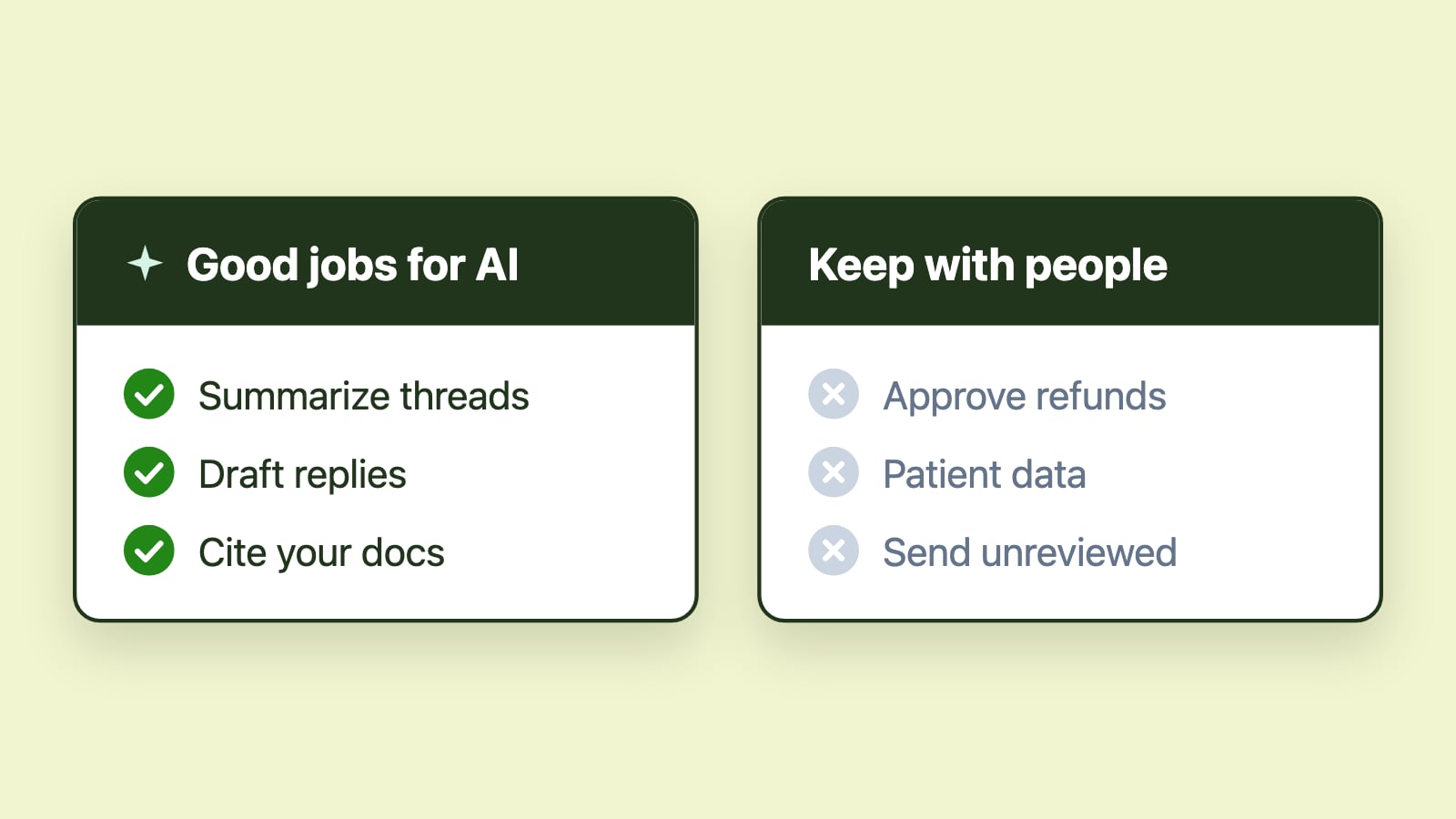
AI summarization helps teams quickly interpret long or complex threads. Instead of reading every reply in sequence, agents can review a concise summary that highlights key context and outstanding points. This reduces time to comprehension, which is often the first bottleneck in shared inbox workflows.
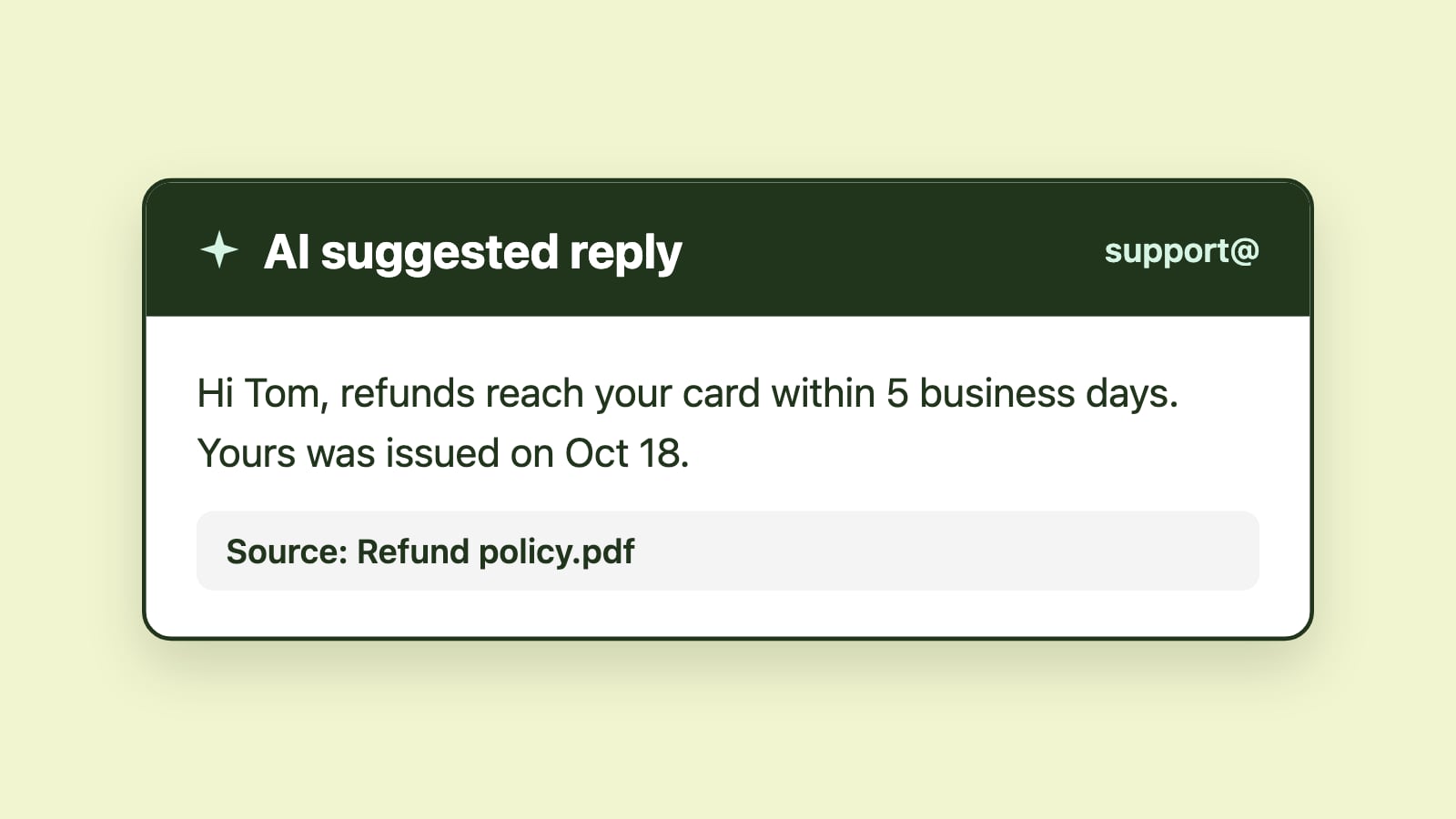
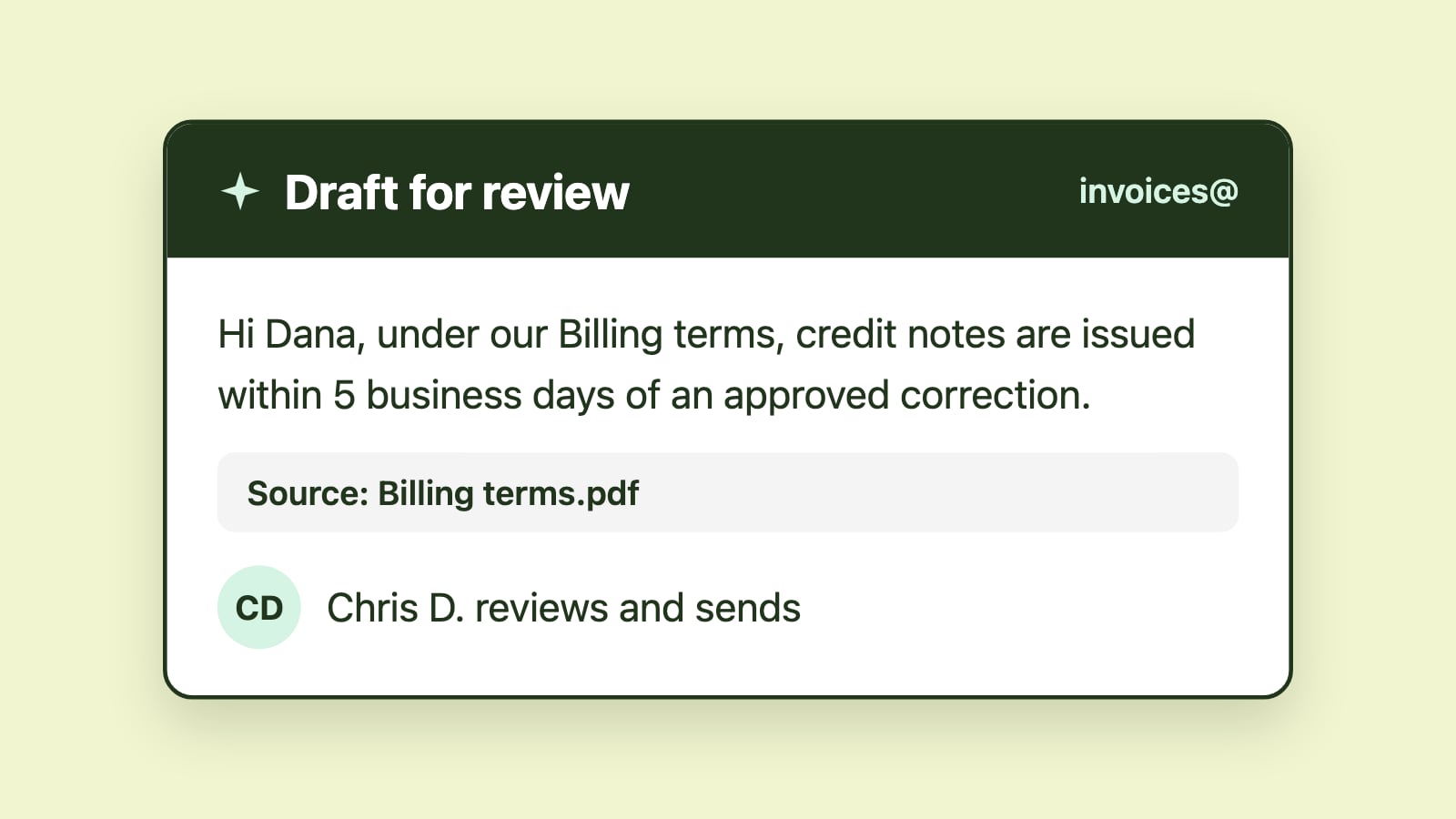
AI-suggested replies help teams draft responses faster. Rather than starting from a blank page, agents receive a structured, context-aware draft that they can review, adjust, and send. This accelerates response time while preserving human oversight.
AI does not replace workflow structure. It supports existing workflows by reducing the time required to move from receipt to response.
Why traditional automation often fails non-technical teams
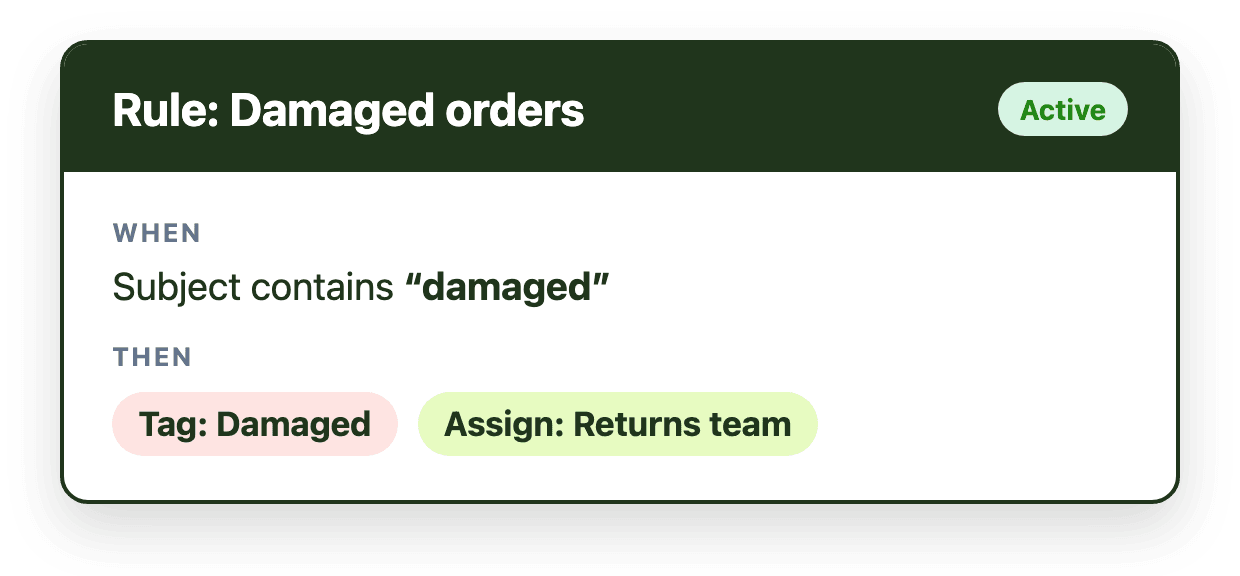
Traditional automation is rule-based. It assumes that workflows can be fully defined in advance through conditions and triggers. For non-technical teams, this assumption rarely holds.
Email language varies. Customers describe similar issues in different ways. Topics overlap. Tone shifts. Maintaining complex rule sets becomes a burden. As conditions change, rules require updates. Over time, they become brittle or outdated.
When rule complexity increases, teams either avoid updating automation or revert to manual triage. The system becomes harder to maintain than the inbox itself.
AI assistance differs because it interprets language flexibly. It adapts to variation in phrasing and context without requiring exact keyword matches. Instead of enforcing actions, it surfaces recommendations that humans can validate.
This shift from configuration-heavy automation to assistance-driven support is especially important for non-technical teams.
Reducing manual triage through AI summarization
Manual triage consumes a surprising amount of time. Before any reply is written, someone must read the message, scan the thread, determine what is being requested, and identify relevant details.
AI summarization reduces this cognitive burden. By condensing long threads into a few clear sentences, it allows agents to understand the situation quickly. Key facts, dates, and requests are easier to spot.
This does not change ownership or routing logic. It shortens the time between opening a message and understanding what action is required. In high-volume shared mailboxes, even small reductions in comprehension time compound into meaningful performance gains.
Accelerating response drafting with AI-suggested replies
Drafting responses is another major source of delay, particularly in shared inboxes where tone consistency and accuracy matter.
AI-suggested replies generate a structured draft based on the message context. Agents remain fully in control. They review, edit, and confirm the response before sending. The AI accelerates the drafting step but does not remove accountability.
For non-technical teams, this is especially valuable. It reduces hesitation around phrasing, improves clarity, and supports consistent communication across multiple responders.
When drafting time decreases, overall response time improves without increasing pressure on the team.
Improving consistency without heavy documentation
Shared mailboxes often suffer from inconsistency. Different team members may respond differently to similar requests. Tone, completeness, and clarity can vary.
AI-suggested replies help reinforce consistent structure and phrasing across the team. Over time, patterns emerge. Responses become more standardized without requiring extensive documentation or manual template management.
This supports operational reliability while preserving human judgment and personalization.
The importance of pairing AI with structure
AI assistance is most effective when paired with clear workflow structure. Ownership, queues, response expectations, and visibility still matter.
AI summarization reduces comprehension time. AI-suggested replies reduce drafting time. But neither replaces accountability or defined processes.
Non-technical teams benefit most when AI operates inside a structured shared mailbox environment rather than attempting to substitute for workflow design.
Adoption depends on staying Outlook-native
Non-technical teams are most productive when new capabilities appear inside tools they already use. For Microsoft 365 teams, that environment is Outlook.
Outlook-native AI reduces friction. There is no new interface to learn and no additional system to manage. AI assistance becomes part of the daily workflow rather than a separate initiative.
Emailgistics integrates AI summarization and AI-suggested replies directly into Outlook shared mailboxes. The focus is deliberate: faster comprehension, faster drafting, and measurable improvements in response time inside structured shared mailbox environments.
What AI-driven automation does not replace
AI-driven workflow automation does not eliminate the need for ownership, human judgment, or clear service expectations. It does not replace accountability or structured collaboration.
Its value lies in reducing friction. By lowering cognitive load and accelerating drafting, AI allows teams to spend more time on meaningful resolution and less time on repetitive interpretation and composition.
When non-technical teams benefit most
AI assistance delivers the greatest impact when message volume is high, requests are varied, and manual triage dominates daily effort. In these environments, small reductions in comprehension and drafting time translate into significant operational gains.
For teams that rely on shared mailboxes in Microsoft 365, AI-driven workflow automation does not need to be complex to be effective. Even focused capabilities, applied consistently inside Outlook, can materially improve response speed and communication quality.