Best practices for human-in-the-loop email automation in shared mailboxes include automating suggestions rather than silent actions, keeping message ownership visible at every stage, requiring human approval before outbound replies are sent, and making automation behavior observable for audits. Together these practices let automation speed up classification, summarization, and drafting while people retain responsibility for the decisions that matter.
Introduction
As automation and AI become more common in shared mailbox workflows, many Microsoft 365 teams face a practical question: how much control should automation have over customer-facing communication? While automation can improve speed and consistency, removing human oversight entirely often introduces new risks.
Human-in-the-loop email automation is the model that balances efficiency with accountability. Rather than allowing AI or rules engines to act independently, this approach keeps people responsible for outcomes while using automation to reduce manual effort. In shared mailboxes, where multiple users coordinate responses from a single address, that balance is essential.
Why human oversight matters in shared mailboxes
Shared mailboxes are more than message containers. They support operational workflows across customer service, finance, claims, HR, and sales. Emails arriving in these inboxes often trigger downstream actions such as policy updates, billing changes, approvals, or contractual decisions.
Errors in these contexts carry consequences. An incorrect reply, a missed escalation, or a misinterpreted request can create compliance exposure, financial impact, or customer dissatisfaction. Fully autonomous automation removes the human review layer that traditionally catches edge cases and contextual nuance.
Human-in-the-loop design preserves accountability. Automation assists with interpretation and speed, but responsibility for final decisions remains clearly assigned and traceable.
What human-in-the-loop automation actually means
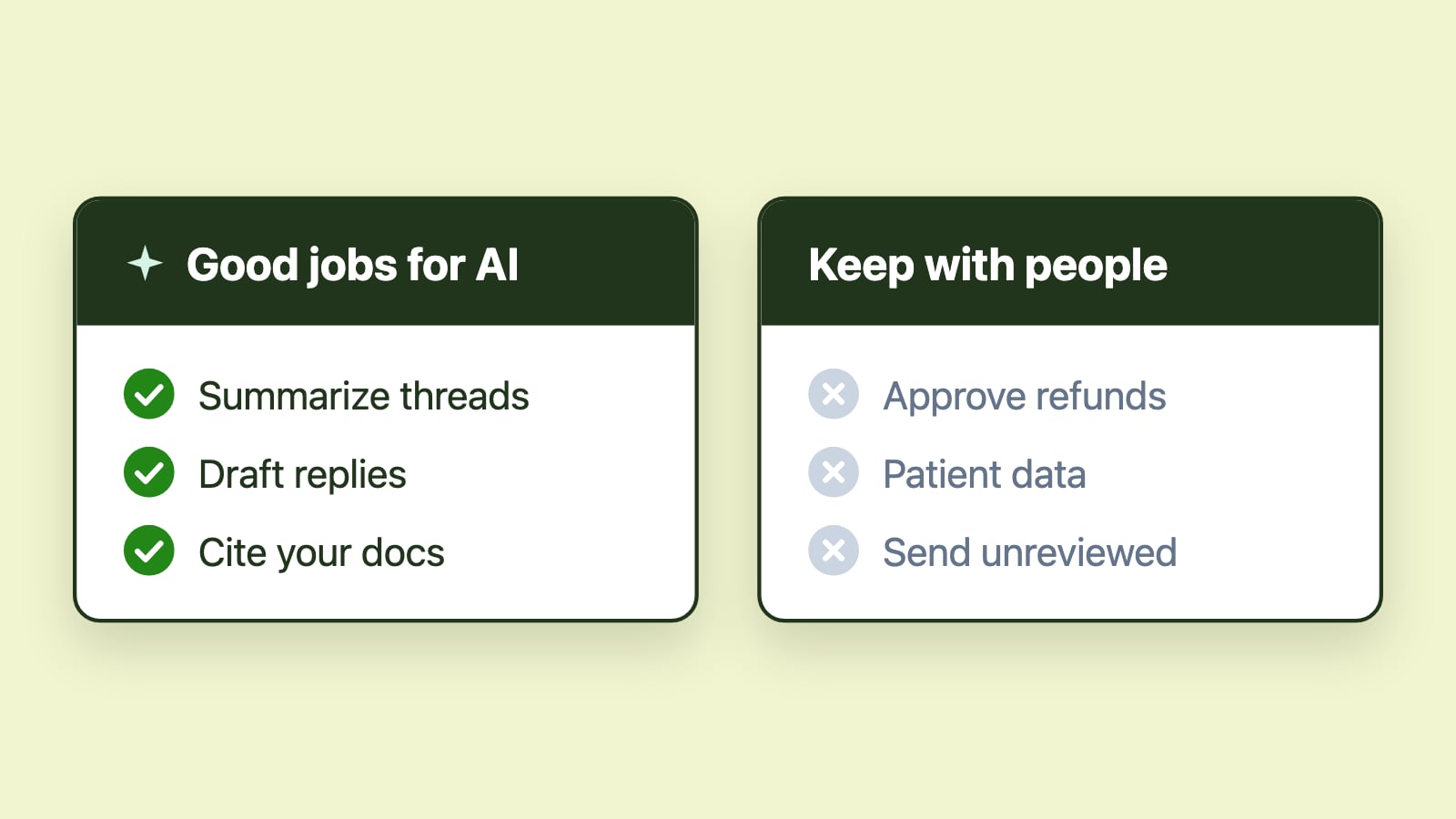
Human-in-the-loop does not mean slowing workflows down. It means defining boundaries between what automation can recommend and what requires human confirmation.
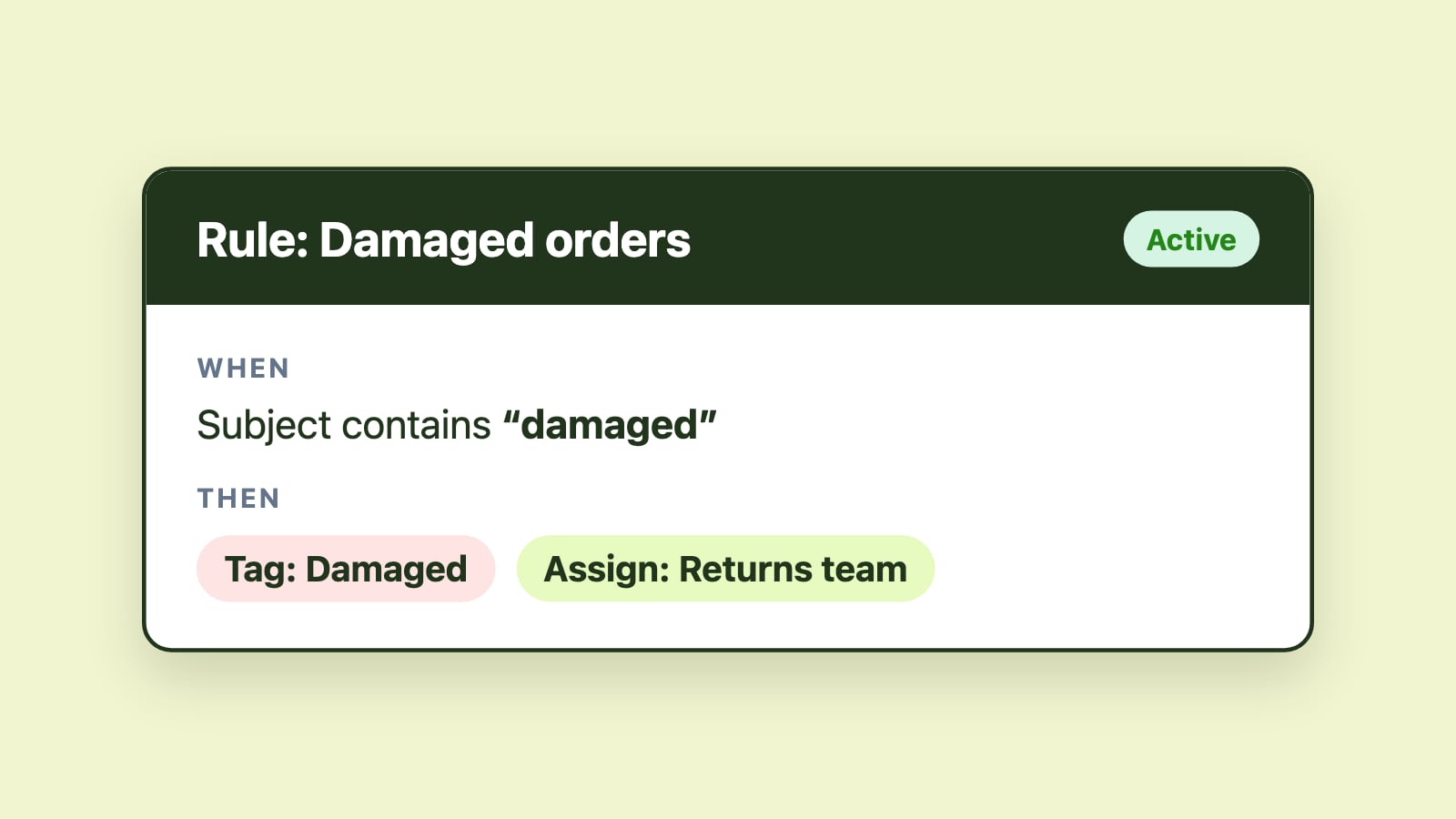
In shared mailboxes, this often means automation handles early-stage tasks such as classification, summarization, or prioritization, while humans retain authority over ownership changes, escalations, and outbound communication. AI can suggest actions, but people approve or adjust them. Routing can be automated, but ownership remains visible and accountable.
The goal is acceleration without loss of situational awareness.
Automate recommendations rather than silent decisions
One of the most effective human-in-the-loop patterns is recommendation-based automation. Instead of executing actions invisibly, automation surfaces suggestions that users can confirm or override.
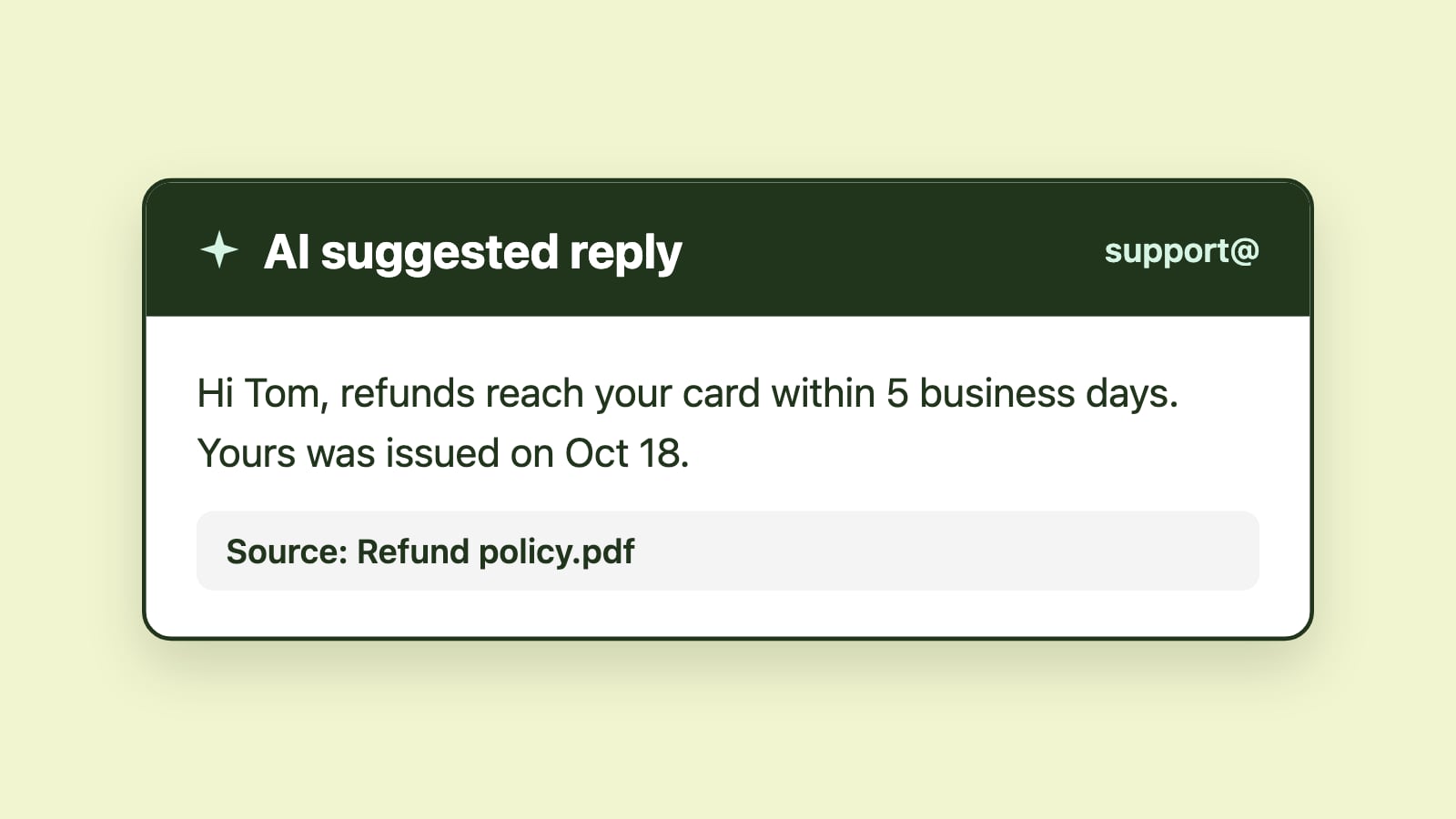
For example, AI may summarize a thread to speed comprehension or generate a draft reply to reduce writing time. These suggestions are reviewed before being finalized. Because the user remains in control, trust builds gradually and adoption increases.
Systems that explain or clearly surface automation behavior reduce the risk of blind reliance and make oversight practical rather than burdensome.
Keep ownership explicit at all times
Ownership is the backbone of shared mailbox accountability. Automation should never obscure who is responsible for a message at any moment.
When messages are routed, reassigned, or returned to a queue, those changes should be visible and intentional. During shift transitions or high-volume periods, clarity around ownership prevents messages from lingering in ambiguous states.
Human-in-the-loop design ensures that automation supports ownership rather than bypassing it.
Require human approval for customer-facing communication
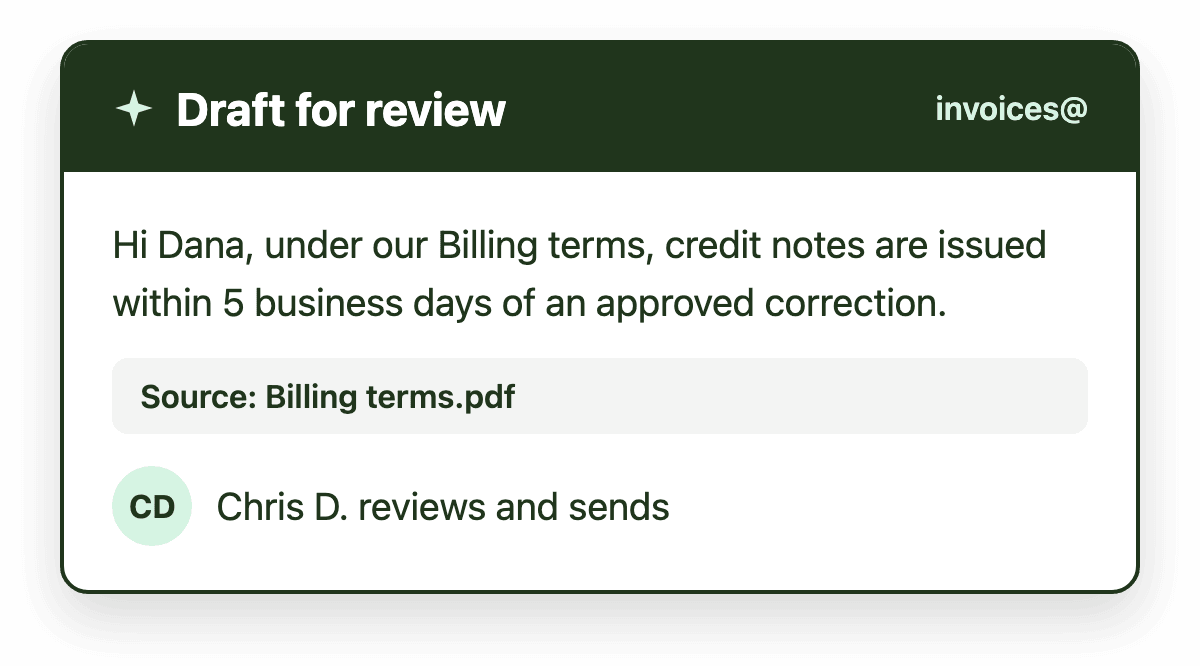
In shared mailboxes, outbound replies represent the organization. Even when AI-generated drafts are highly accurate, final approval should remain with a person.
Requiring human review before sending protects tone, accuracy, and compliance. It also allows agents to account for subtle context that automation may not fully capture. This is especially important in regulated industries or high-stakes workflows.
AI-suggested replies are most effective when they accelerate drafting while preserving deliberate review.
Make automation behavior observable and auditable
Automation that operates invisibly erodes confidence. Teams need visibility into how automation influences workflow.
Routing changes, SLA alerts, and AI suggestions should be transparent and reviewable. Observable automation supports internal audits, performance reviews, and ongoing optimization. It also helps managers identify whether automation is improving outcomes or introducing friction.
When automation behavior is visible, accountability remains intact.
Design escalation paths that include people
Automation excels at detecting patterns and surfacing risk. It is less effective at resolving complex exceptions.
SLA alerts, aging signals, or unusual workload patterns should trigger attention rather than automatic resolution. Managers and senior team members can then intervene intentionally, redistribute work, or communicate proactively with stakeholders.
Human-in-the-loop escalation ensures that exceptions are handled thoughtfully rather than mechanically.
Start narrow and expand intentionally
Teams that succeed with AI in shared mailboxes rarely automate everything at once. They begin with low-risk, high-value use cases such as AI summarization to reduce reading time or AI-suggested replies to accelerate drafting.
As confidence grows, automation can expand incrementally. Each expansion should be evaluated for accuracy, adoption, and operational impact. Human oversight makes experimentation safer because adjustments can be made quickly when necessary.
How this applies in Outlook shared mailboxes
In Microsoft 365 environments, adoption improves when automation operates directly inside Outlook rather than in a separate interface.
Emailgistics supports human-in-the-loop email automation by combining structured shared mailbox workflows with AI summarization and AI-suggested replies inside Outlook. AI assists with comprehension and drafting, while ownership, routing, and SLA visibility remain explicit and accountable.
This structure reinforces collaboration rather than replacing it.
Conclusion
Human-in-the-loop email automation is not a compromise between speed and safety. It is the most reliable way to apply AI in shared mailboxes.
By automating recommendations, preserving visible ownership, requiring review for outbound communication, and keeping automation behavior transparent, teams gain efficiency without sacrificing accountability. As AI capabilities evolve, the organizations that benefit most will be those that design workflows where humans and automation operate in partnership rather than in isolation.