In 2026, Outlook teams will see two concrete AI changes inside shared mailboxes: AI summarization, which cuts the time needed to understand incoming messages, and AI-suggested replies, which speed up drafting. Layered on top of existing ownership, routing, and SLA tracking, both reduce response time and cognitive load without automating away human judgment or accountability.
Introduction
AI in email operations is often described in sweeping, disruptive terms. In reality, the most meaningful AI changes Outlook teams will see in 2026 are incremental and practical. AI will not replace shared mailbox workflows. It will make specific parts of those workflows faster and more consistent.
For Microsoft 365 teams working inside shared mailboxes, the real opportunity lies in reducing cognitive load and shortening response time without disrupting ownership, routing, or SLA processes. The gains will come from faster comprehension and faster drafting, not from fully autonomous inboxes.
Understanding this distinction is critical. Teams that expect AI to "fix" structural coordination problems will be disappointed. Teams that apply AI to well-defined workflow steps will see measurable improvements.
AI-assisted understanding will reduce time to comprehension
In shared mailboxes, one of the largest hidden delays is not writing the reply. It is understanding the message. Someone must read the incoming email, scan the thread, identify the primary request, and determine what action is required.
In high-volume environments, this interpretive step becomes a bottleneck. Long threads, forwarded chains, and partial context increase the time required before anyone can even begin drafting a response.
AI summarization directly addresses this friction. Instead of manually parsing long conversations, teams can view a concise summary of the thread, including the key request and relevant context. This reduces what can be described as "time to comprehension."
Reducing comprehension time has a compounding effect. When every message is understood more quickly, ownership can be established sooner, drafting can begin earlier, and SLA risk decreases.
Emailgistics provides AI summarization inside Outlook shared mailboxes, helping teams interpret conversations faster without altering their underlying workflow structure.
AI-suggested replies will accelerate response drafting
Once a message is understood, drafting the response becomes the next friction point. In shared mailboxes, replies must be accurate, consistent, and aligned with organizational tone. Drafting is often repetitive, particularly for common requests such as billing inquiries, status updates, or standard policy explanations.
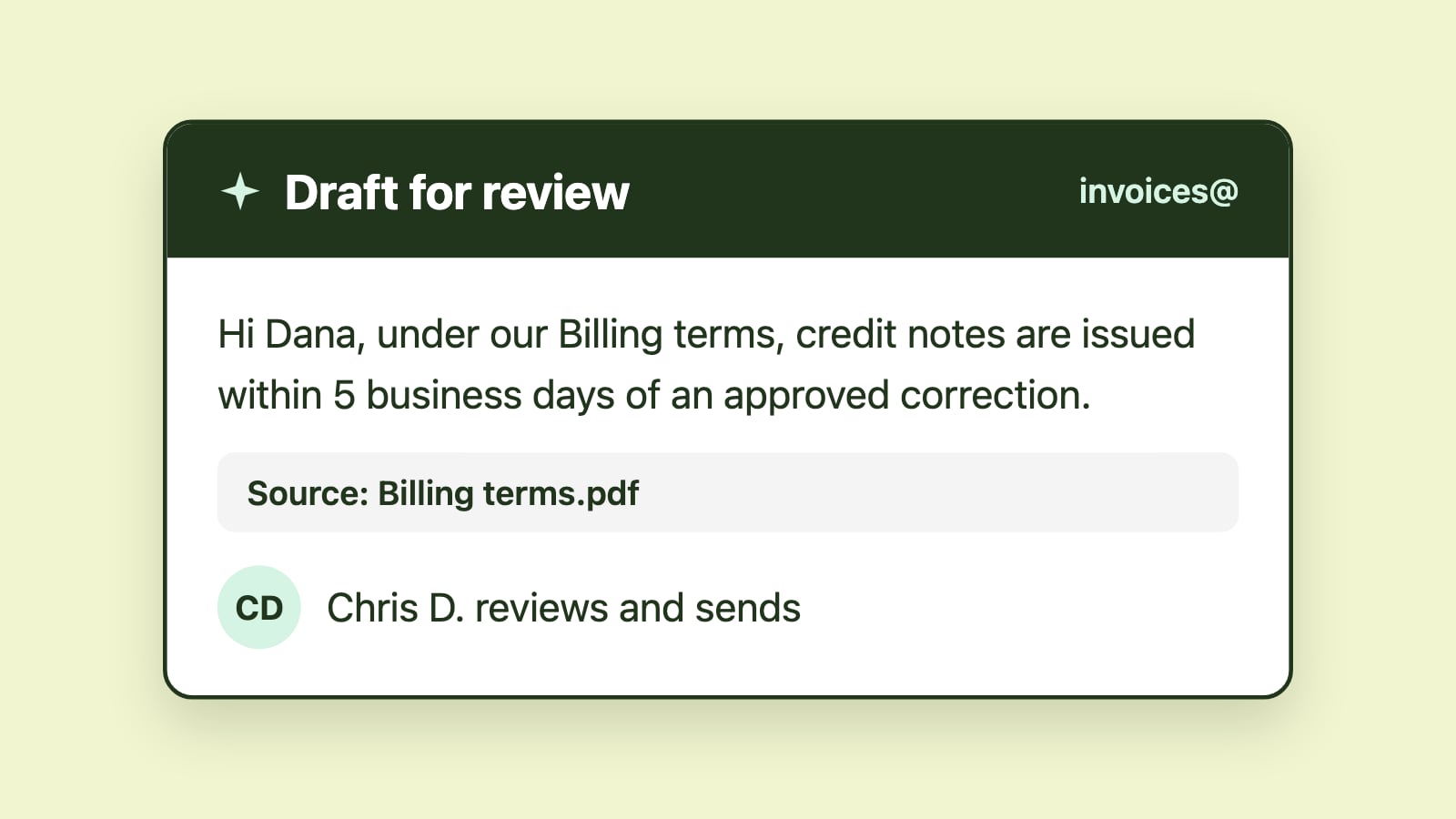
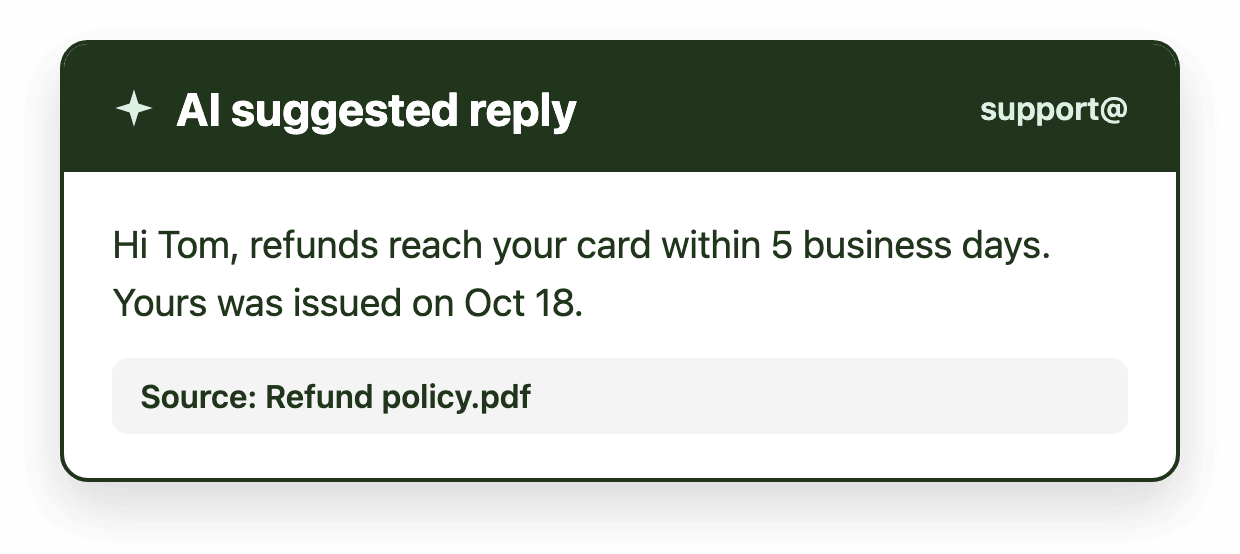
AI-suggested replies reduce this drafting time significantly. Rather than starting from a blank message window, responders receive a structured draft they can edit and approve. The human remains responsible for accuracy and nuance, but the initial framework appears instantly.
This is where AI delivers its most visible impact on response times. Even saving a minute or two per message compounds across dozens or hundreds of daily emails. Over time, these incremental gains materially improve first-response metrics.
Emailgistics offers AI-suggested replies designed specifically to support shared mailbox responsiveness inside Outlook. The feature is focused: it accelerates drafting without replacing human review.
Standardization will matter more than creativity
In shared mailboxes, consistency is often more valuable than originality. Multiple team members respond from the same address. Variability in tone, structure, or completeness can create confusion and reduce trust.
AI in 2026 will increasingly function as a standardization layer. Suggested replies reinforce preferred phrasing and consistent formatting. This reduces variability across team members and strengthens the perception of a cohesive organization.
Consistency also supports internal quality control. When replies follow similar patterns, it becomes easier to review performance and coach team members without rewriting entire responses.
AI's value in shared mailboxes is therefore less about creative writing and more about reinforcing predictable, professional communication at scale.
AI will not replace ownership or accountability
It is important to clarify what AI does not do.
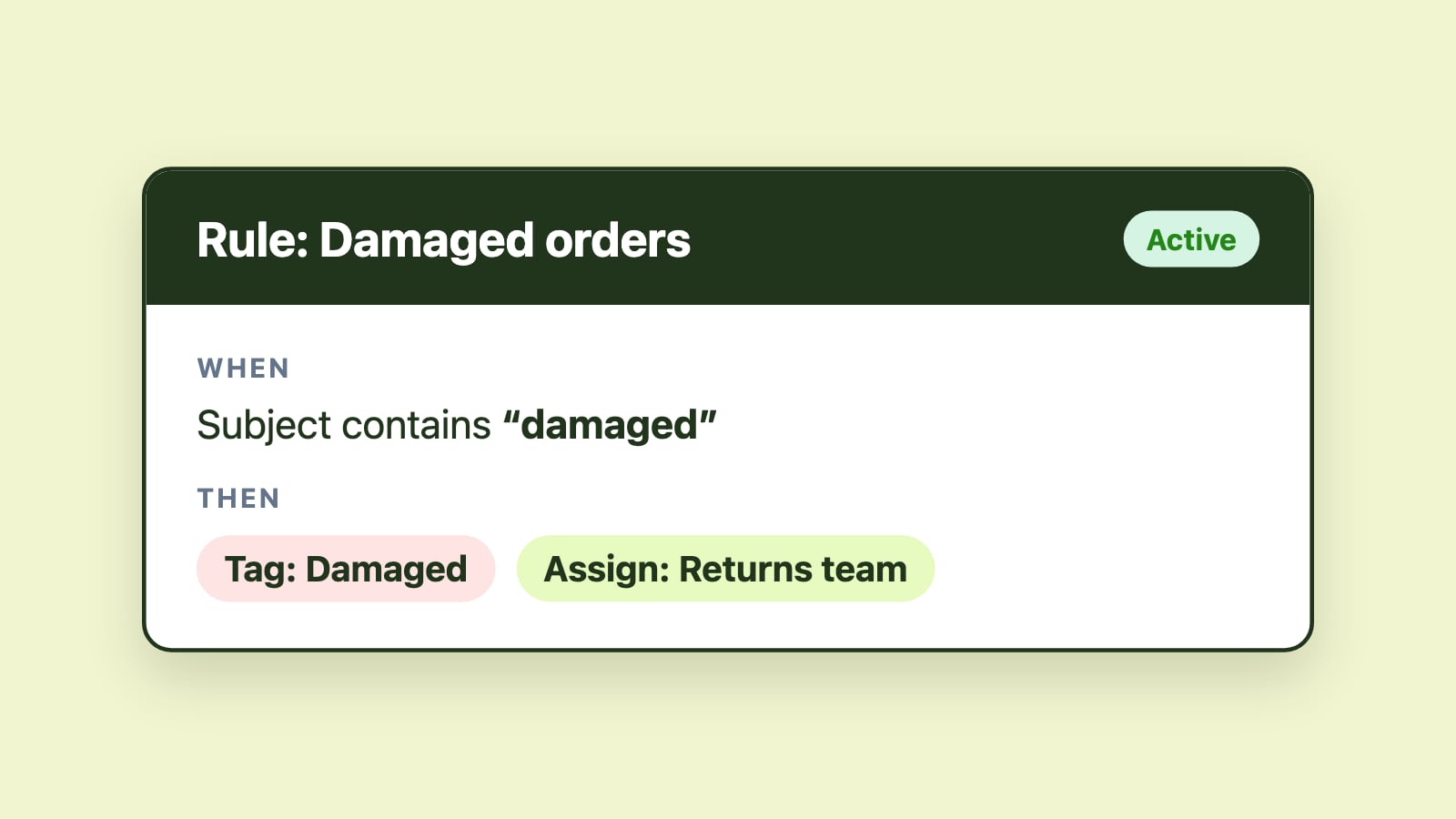
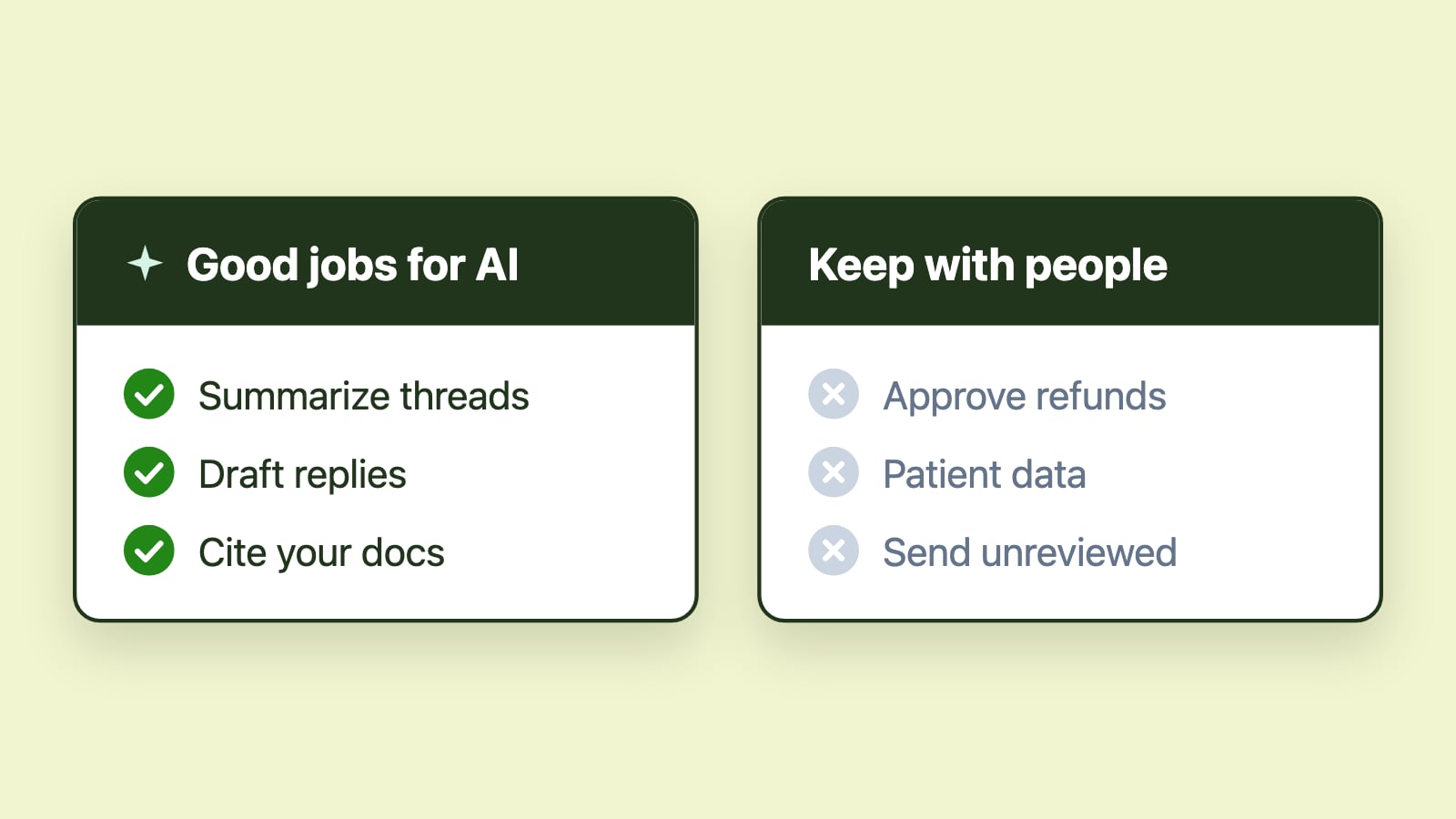
AI does not assign ownership of messages. AI does not balance workload across team members. AI does not enforce SLA thresholds. AI does not eliminate the need for human judgment in ambiguous cases.
In shared mailboxes, the root challenge is coordination. Without explicit ownership and visible workflow states, even the most sophisticated AI cannot prevent delays or duplication.
AI is most effective when layered onto structured shared mailbox management. When assignment, load balancing, and SLA tracking are already in place, AI amplifies efficiency by accelerating understanding and drafting. Without structure, AI simply speeds up inconsistent processes.
AI will reduce cognitive load, not just typing time
Beyond speed, AI will reduce mental fatigue. Shared mailboxes require constant context switching. Agents move from one topic to another, from billing to support to operational questions, often within minutes.
Summarization reduces the mental effort required to reorient to each new thread. Suggested replies reduce the blank-page effect and the repetitive strain of composing similar messages repeatedly.
Lower cognitive load improves consistency and reduces error rates. In busy inboxes, this reduction in mental friction can be just as valuable as the time savings themselves.
Outlook-native AI will drive adoption
Microsoft 365 teams are unlikely to adopt AI tools that require abandoning Outlook or introducing parallel systems. AI that operates within existing identity models, permissions, and daily routines is far more likely to gain traction.
For shared mailbox environments, this means AI features must appear alongside ownership, routing, and SLA visibility. When summarization and suggested replies are embedded directly into Outlook, adoption becomes natural rather than disruptive.
Emailgistics integrates AI summarization and AI-suggested replies directly into Outlook shared mailboxes. The focus is deliberate: faster comprehension, faster drafting, and measurable improvements in response time inside structured shared mailbox environments.
The realistic transformation for 2026
The most realistic AI transformation for Outlook teams in 2026 is measurable reduction in response time driven by faster comprehension and faster drafting.
AI-assisted understanding reduces the time it takes to interpret a message. AI-suggested replies reduce the time it takes to respond. When combined with structured shared mailbox management, these capabilities improve responsiveness without sacrificing accountability or governance.
For Microsoft 365 teams that rely on shared mailboxes, the future of AI in email operations is not radical replacement. It is focused acceleration built on top of clear ownership and defined workflow.
AI will not change the fact that email is collaborative and human-driven. It will change how quickly teams move from reading to responding. And in high-volume shared mailboxes, that shift is significant.