Managing a high-volume shared mailbox in Microsoft 365 well means treating it as an operational system, not just a communication channel. That means assigning explicit ownership for every message, separating work visibility from message storage, minimizing manual triage, balancing workload continuously, making response time visible, using SLAs as signals for improvement rather than enforcement tools, and reviewing performance regularly so the mailbox improves over time instead of degrading under pressure.
Introduction
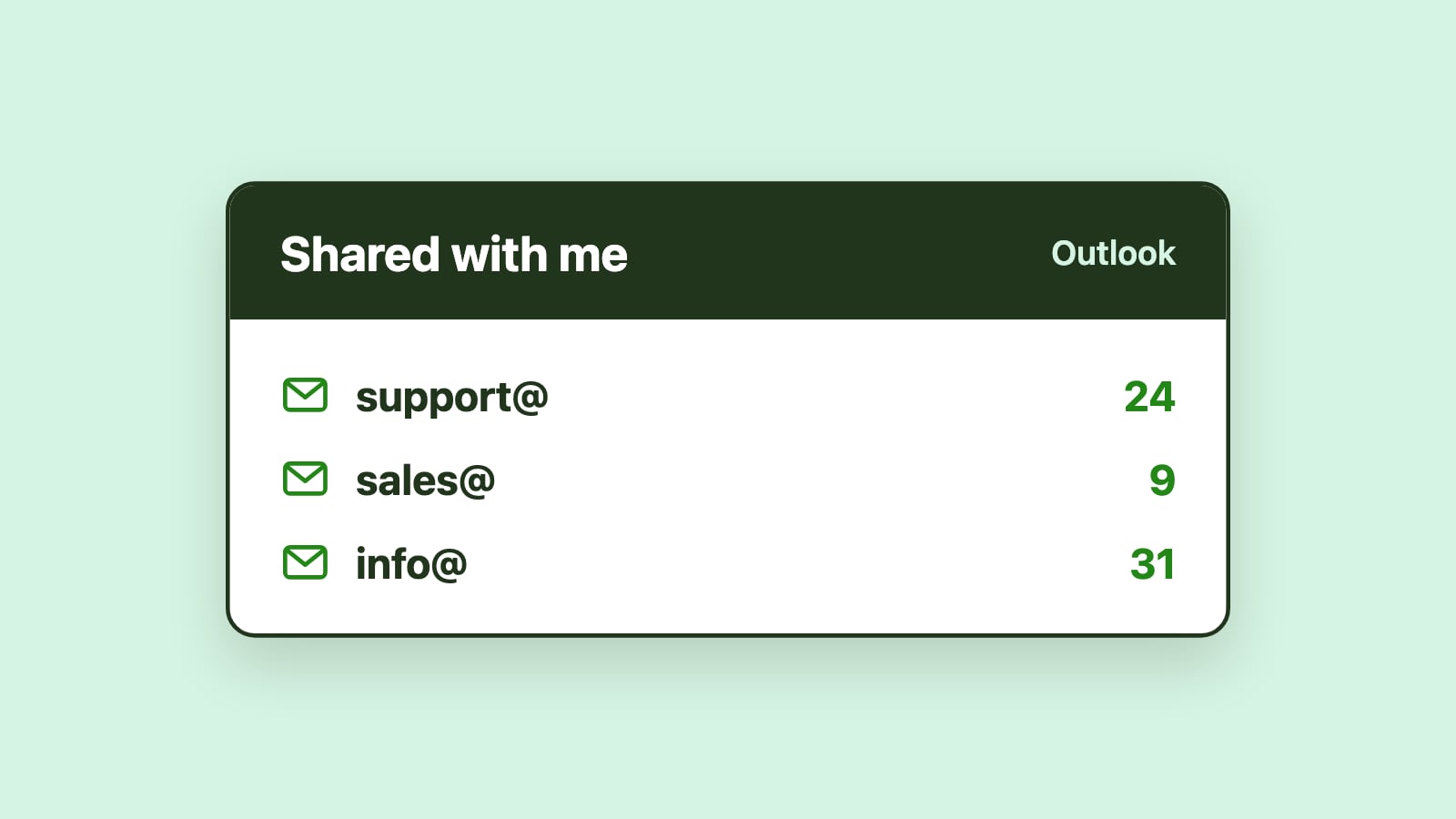
High-volume shared mailboxes are a reality for many Microsoft 365 teams. As organizations grow, email addresses such as support@, info@, sales@, billing@, and operations@ often become central coordination points for work. What starts as a convenient shared inbox gradually turns into a mission-critical system that supports customer service, revenue, and operations.
As message volume increases, informal habits stop working. Emails are missed, answered twice, or answered later than expected. Team members feel pressure to constantly monitor the inbox so nothing slips through the cracks, while managers lack reliable insight into what is happening or why delays occur. Adding more people, folders, or rules may temporarily reduce stress, but these changes rarely address the underlying problem.
Managing a high-volume shared mailbox is not primarily a technical challenge. (If you are still setting one up, start with our guide to shared mailboxes in Outlook.) It is an operational one. This article outlines best practices for managing high-volume shared mailboxes in Microsoft 365, focusing on structural principles rather than tools or configuration steps.
What defines a high-volume shared mailbox?
A high-volume shared mailbox is one that receives more messages than can be reliably handled through informal coordination alone. At this point, habits like "keeping an eye on the inbox" or "just grabbing the next email" no longer scale.
These mailboxes typically involve multiple people responding throughout the day, a steady or unpredictable inflow of messages, and response expectations that are time-sensitive. Requests often vary widely in complexity, forcing constant context switching, while coordination overhead grows as the team expands.
Once a mailbox reaches this stage, it stops behaving like a mailbox and starts behaving like a work queue. Managing it effectively requires deliberate structure.
Treat the shared mailbox as an operational system
One of the most important mindset shifts is recognizing that a high-volume shared mailbox is an operational system, not just a communication channel. Operational systems require defined responsibility, visible work states, predictable handling, and measurable performance.
When a shared mailbox is treated casually, teams rely on vigilance, memory, and goodwill. At low volume, that may be sufficient. At high volume, this approach inevitably breaks down. Sustainable performance requires structure that does not depend on constant human monitoring.
Establish explicit ownership for every message
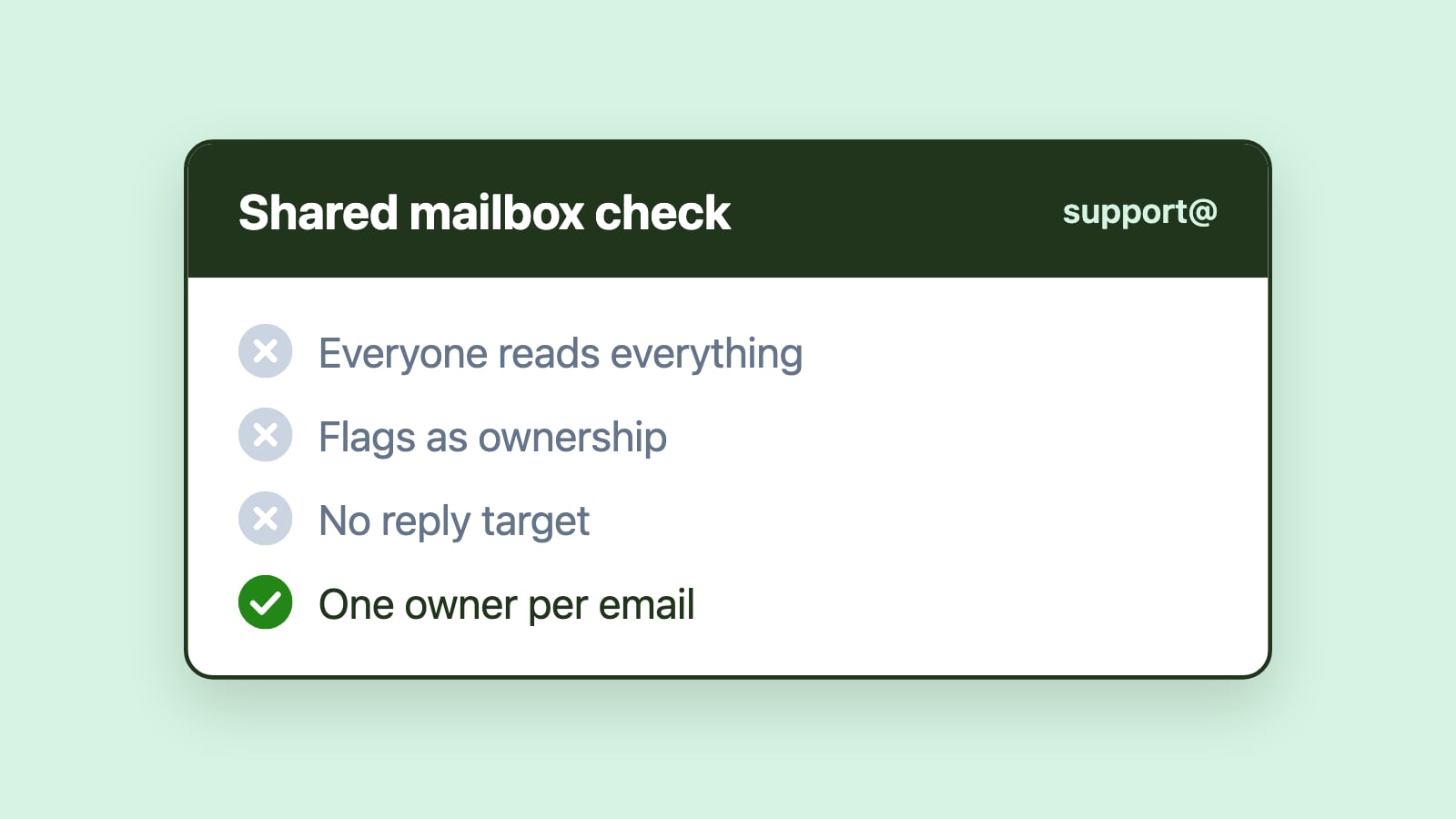
Clear ownership is the foundation of effective shared mailbox management at scale. Every message should have a single, clearly defined owner responsible for moving it forward, whether that means responding, gathering information, or escalating it.
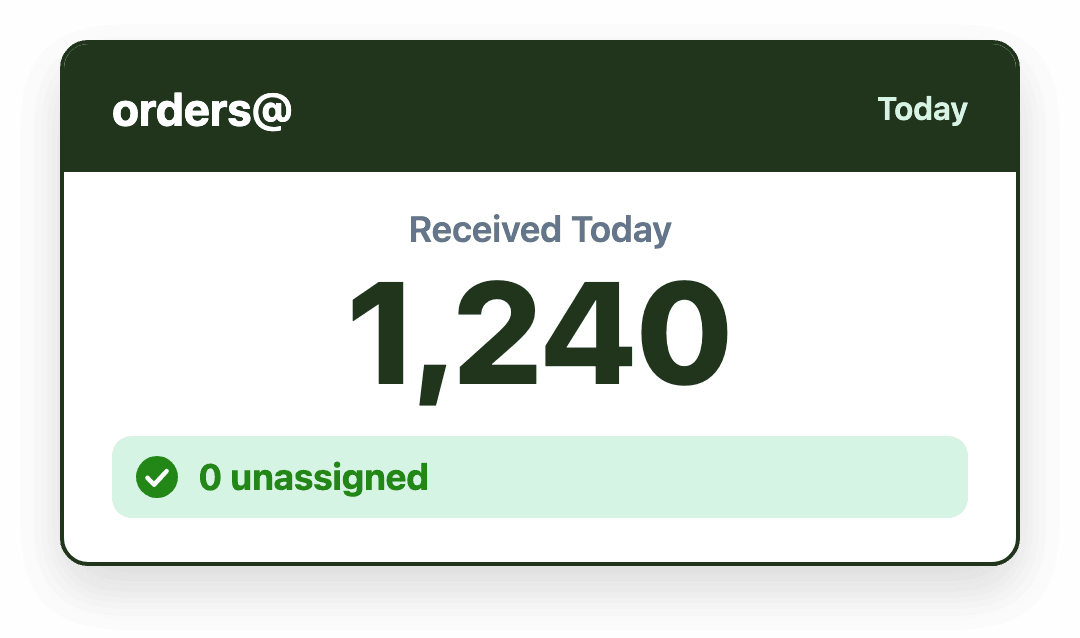
Ownership should be assigned as early as possible, visible to the entire team, and transferable when workload or availability changes. Without explicit ownership, messages sit idle while responsibility is assumed rather than assigned. In high-volume environments, even small delays quickly compound.
Separate work visibility from message storage
Folders are useful for organizing email, but they are poorly suited for managing active work. In high-volume shared mailboxes, folder-based workflows often hide unresolved messages and fragment visibility across the team.
A better approach is to separate work visibility from message storage. Active messages should remain visible until they are resolved, while filing and archiving decisions happen afterward. This ensures that backlog reflects real, outstanding work rather than organizational artifacts created by premature filing.
Minimize manual triage
Manual triage is one of the largest contributors to delay in high-volume shared mailboxes. Each time a message requires someone to read it, interpret it, and decide who should handle it, response time increases.
Best practices aim to reduce unnecessary triage by standardizing handling for common request types, routing messages based on known patterns, and assigning ownership automatically where possible. Reducing manual triage does not remove judgment; it removes repetitive decision-making that slows teams down and introduces inconsistency.
Balance workload continuously
High-volume inboxes are dynamic by nature. Volume fluctuates by time of day, day of week, and season. Static workload allocation quickly becomes outdated, leading to some team members being overloaded while others are underutilized.
Effective shared mailbox management treats workload balance as a continuous process. This means monitoring who is overloaded, redistributing work as conditions change, and accounting for shifts, time zones, and availability. Balanced workload improves throughput, reduces response delays, and helps prevent burnout in fast-paced environments.
Make response time visible and meaningful
In high-volume shared mailboxes, response time cannot be managed implicitly. Teams need clear visibility into how long messages have been waiting and which messages have been waiting longest.
When response time is visible, prioritization becomes objective rather than reactive. Teams can see which messages have waited longest, focus attention where it matters most, and reduce last-minute escalations that disrupt workflow and morale.
Use SLAs as signals, not enforcement tools
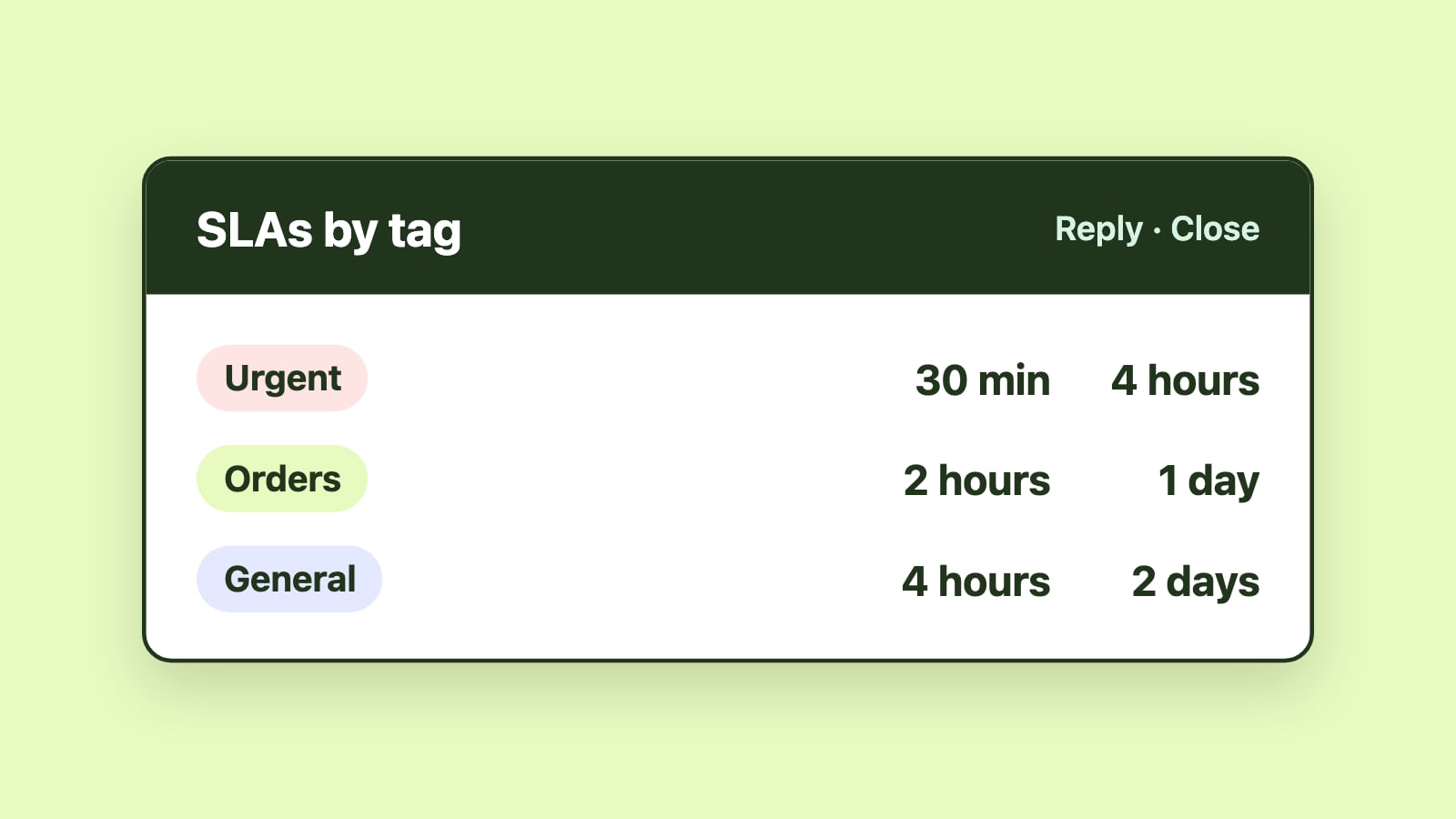
Service-level agreements are most effective when used as signals for improvement rather than enforcement mechanisms. In high-volume shared mailboxes, SLAs help teams spot problems before they become patterns.
Effective SLA practices rely on realistic thresholds, gradual escalation, and shared visibility across the team. When used this way, SLAs support proactive management instead of constant firefighting and blame.
Preserve Outlook-native workflows
High-volume inboxes amplify friction. For Microsoft 365 teams, staying within Outlook is often critical to adoption and consistency. Workflow improvements are most successful when they add structure without forcing teams to abandon familiar tools.
Shared mailbox management works best when it aligns with existing habits rather than replacing them. Emailgistics is a Microsoft 365-native shared mailbox management platform that automates email assignment, workflow routing, SLA tracking, and analytics directly inside Outlook, allowing teams to scale without changing how they work.
Review performance and adapt over time
High-volume shared mailbox management is not a one-time setup. Volume patterns change, workflows evolve, and expectations increase. Sustainable performance requires regular review and adjustment.
Best practices include reviewing backlog trends, response-time patterns, workload distribution, and failure modes over time. Measurement enables adaptation, turning the shared mailbox into a system that improves continuously rather than degrades under pressure.
Conclusion
Managing a high-volume shared mailbox in Microsoft 365 requires deliberate operational discipline. Best practices focus on treating the inbox as a system, establishing explicit ownership, maintaining visible work, reducing manual triage, balancing workload, and making time meaningful. When these principles are applied consistently, shared mailboxes can scale without becoming chaotic or overwhelming.