This article is for executives, operations leaders and IT teams who rely on Microsoft 365 shared mailboxes for customer service, operations, revenue-impacting work or regulated communication. It breaks down where the hidden costs come from, how they turn into business risk, why they stay invisible for so long and what it takes to make them measurable.
Introduction
Shared mailboxes are often treated as a low-cost solution for team email. They are easy to create, familiar to users and included with Microsoft 365. On the surface, they offer a practical way to manage customer communication without investing in additional tools or workflow changes. When problems appear (messages pile up, replies take longer, teams feel stretched) they are often dismissed as workflow annoyances that better habits or more effort can fix.
In practice, unmanaged shared mailboxes introduce costs that rarely appear on a budget line item. These costs accumulate gradually through delayed responses, duplicated work, lost messages, missed accountability, reporting gaps and increased compliance exposure. Over time they become business risk: lost revenue, customer dissatisfaction, compliance exposure and leadership blind spots that delay corrective action. By the time leadership recognizes a systemic issue, the damage is often already embedded in customer relationships and operations.
For teams responsible for service reliability, shared inbox management is not simply a coordination issue. It is an operational risk surface.
Missed accountability creates silent failure
In an unmanaged shared mailbox, everyone can see incoming messages, but no one clearly owns them. This absence of explicit ownership is one of the most expensive structural weaknesses in team email.
Most failures start with small gaps that are easy to overlook. A message sits unassigned longer than it should. Two people reply to the same customer without realizing it. A follow-up arrives because no one is sure who owns the thread. Individually, these moments feel manageable. Teams compensate with habit and vigilance: someone will "watch the inbox," assume another person is responding, or plan to return to a message later. Over time, those workarounds become the operating model.
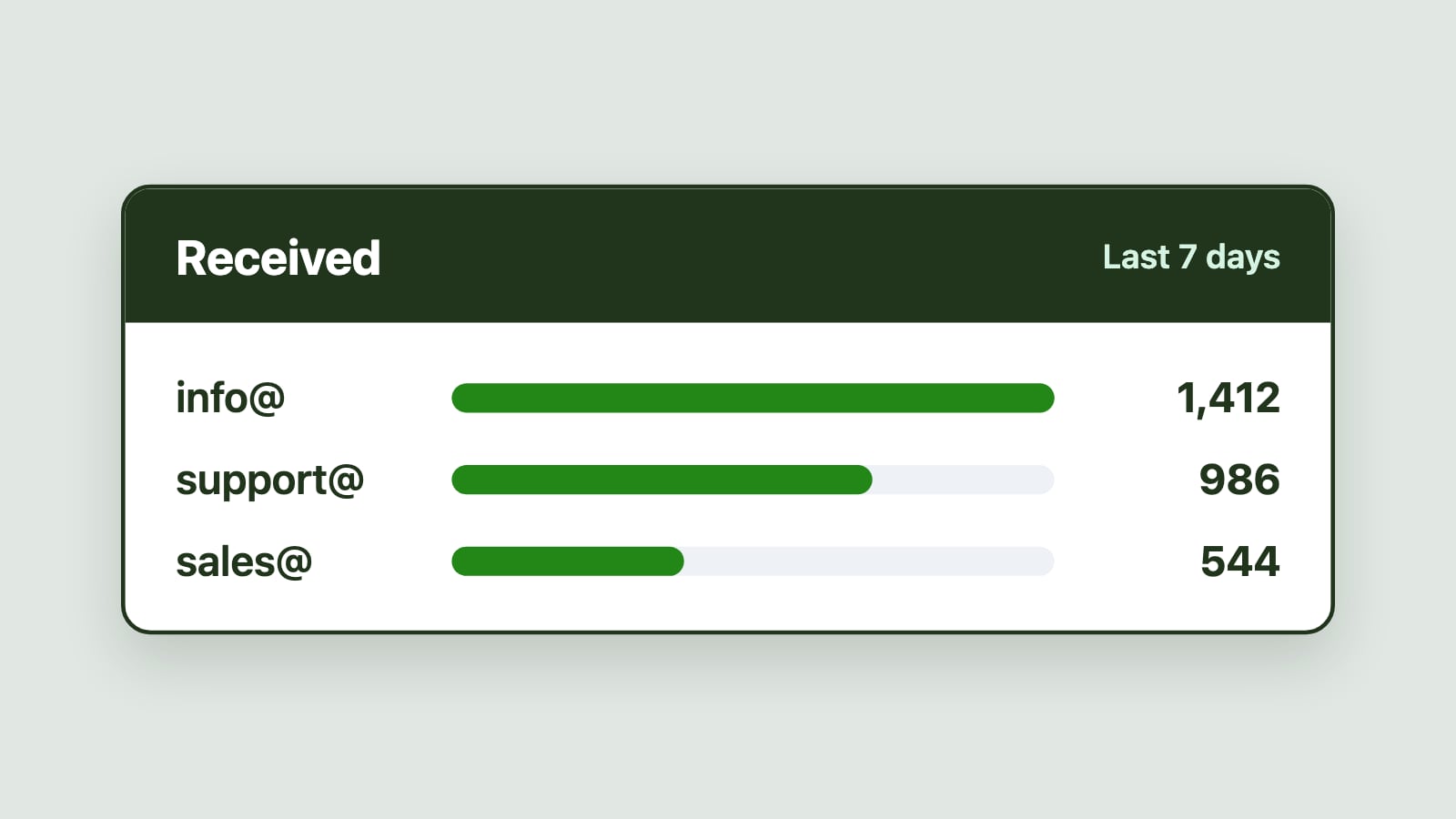
As volume increases or staffing shifts, the small breakdowns compound. Inbox pressure builds unevenly: some team members become overloaded while others are underused. Managers lack real-time insight into where delays are forming, so intervention is reactive.
The result is rarely a catastrophic loss of communication. More often, it is a delayed response, inconsistent follow-up, or a message that waits unnoticed until a customer escalates. Customers follow up, internal stakeholders intervene and inbox pressure compounds. When leaders cannot confidently answer basic questions about workload, ownership or response status, service reliability depends on individuals rather than systems.
Customer trust erodes before complaints appear
One of the most damaging aspects of shared inbox failure is that customers rarely raise alarms immediately. Delayed responses, inconsistent answers or unclear handoffs do not always trigger formal complaints. Instead, customers adjust their expectations quietly.
They may resend messages, escalate outside normal channels or stop engaging altogether. In regulated or service-driven industries, email is often the primary channel through which customers judge responsiveness and professionalism.
When inbox workflows feel unpredictable, customers lose confidence in the organization, not just the team handling the message. By the time dissatisfaction becomes visible through churn, escalations or negative feedback, the damage is already done.
SLA breaches and financial exposure surface too late
Many organizations believe they are meeting service expectations because complaints are infrequent. In unmanaged shared mailboxes, SLA failures tend to build gradually and go unnoticed.
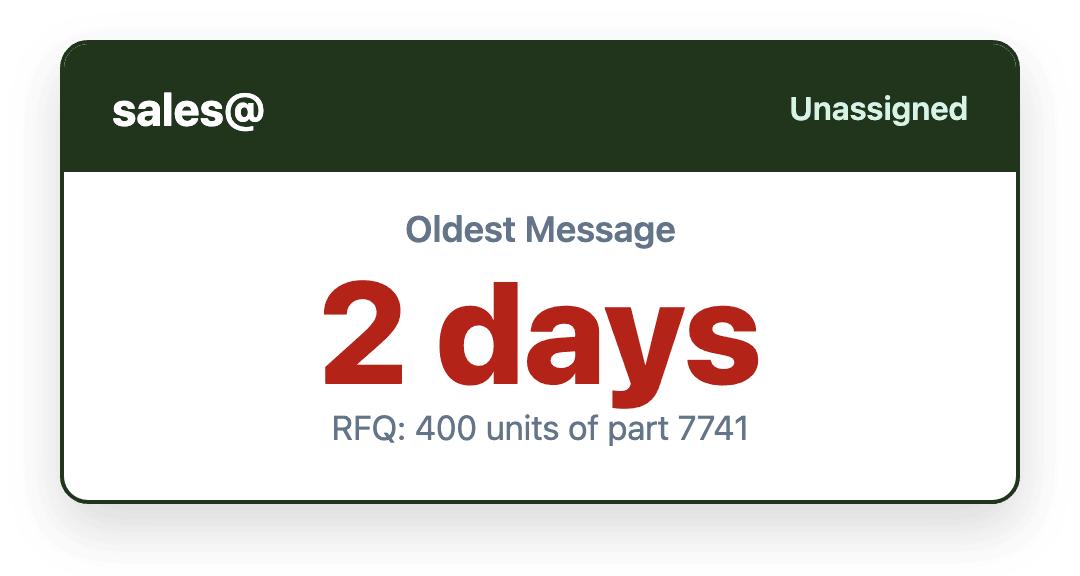
Without structured tracking, teams cannot see which messages have waited longest, which inboxes are overloaded, or whether response times are drifting upward. Managers rely on spot checks or anecdotal feedback rather than measurable signals. When a breach becomes visible, it is typically reactive. A customer follows up. A stakeholder escalates. A compliance review reveals inconsistencies. By then, recovery options are limited.
The financial cost goes beyond contractual penalties. Missed or delayed responses can lead to lost renewals, delayed claims processing or unresolved billing issues, often without clear accountability, which makes root cause analysis difficult. Even organizations without contractual SLAs have internal service targets, formal or informal. When teams consistently miss them, the cost appears elsewhere: escalations, rework, overtime, reputation damage, customer churn or the need to add headcount. These costs are real, even if they are not attributed to email operations. In regulated environments, repeated failures also increase audit scrutiny.
Duplicate effort and wasted labor
Unmanaged shared mailboxes also generate hidden labor waste. When multiple people scan the same inbox searching for work, coordination overhead grows.
Two team members may draft responses to the same email. A supervisor may review a thread that has already been resolved. Someone may respond without realizing another reply is imminent. These small inefficiencies accumulate over time and reduce effective capacity.
While each instance may only consume a few minutes, multiplied across teams and months, the impact is substantial. More importantly, this wasted attention displaces higher-value activities such as proactive communication, process improvement or complex issue resolution.
The cost is not just time. It is diminished focus.
Reporting gaps create leadership blind spots
Leaders often ask straightforward questions about shared mailbox performance. How quickly are we responding? Where are bottlenecks forming? Do we need additional staff?
In unmanaged environments, these questions are difficult to answer accurately. Native Outlook views reflect the current inbox state, not historical performance. Manual spreadsheets and ad hoc reporting introduce inconsistency and delay. Meanwhile, executives often assume shared inboxes are working because email keeps moving and teams appear busy, so there are few signals that something is wrong.
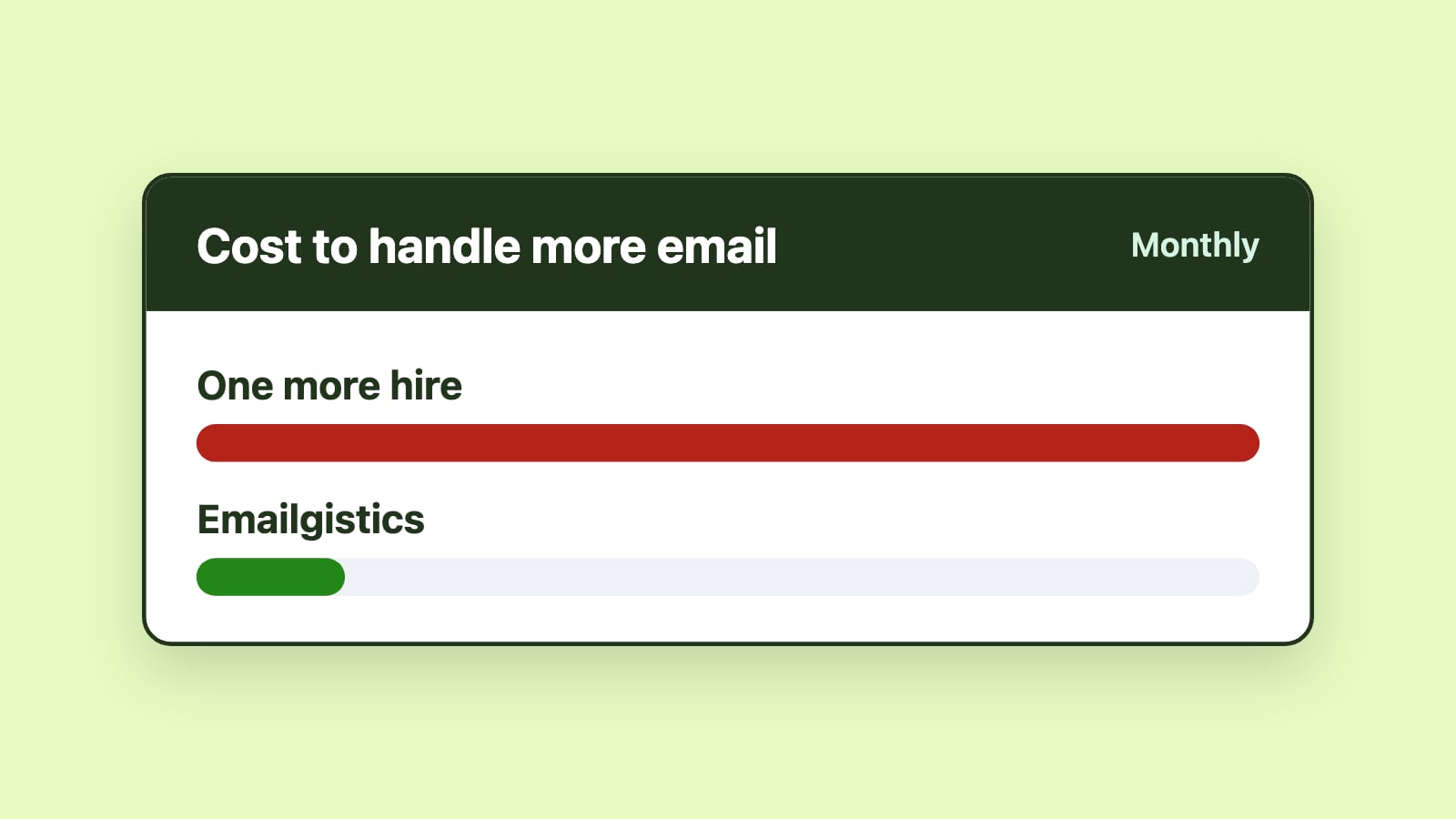
Without reliable data, organizations make decisions based on perception rather than evidence. Teams may overhire when the issue is workflow imbalance. They may overlook systemic inefficiencies that inflate volume, or miss growing capacity strain until service quality declines.
By the time inbox failures reach the executive level, they often involve customer escalations, compliance concerns or public-facing issues, and decisions are made under pressure. Reactive responses such as evaluating new tools, redefining processes or pushing teams to work harder may help temporarily, but they rarely address the root cause. The underlying issue is not effort, but missing structure and visibility.
Compliance and audit exposure compounds quietly
Shared mailboxes often contain sensitive information, formal approvals and customer communications that must be handled securely and according to policy, particularly in regulated environments such as insurance, healthcare, finance and government. When activity is not structured or traceable, audit readiness deteriorates.
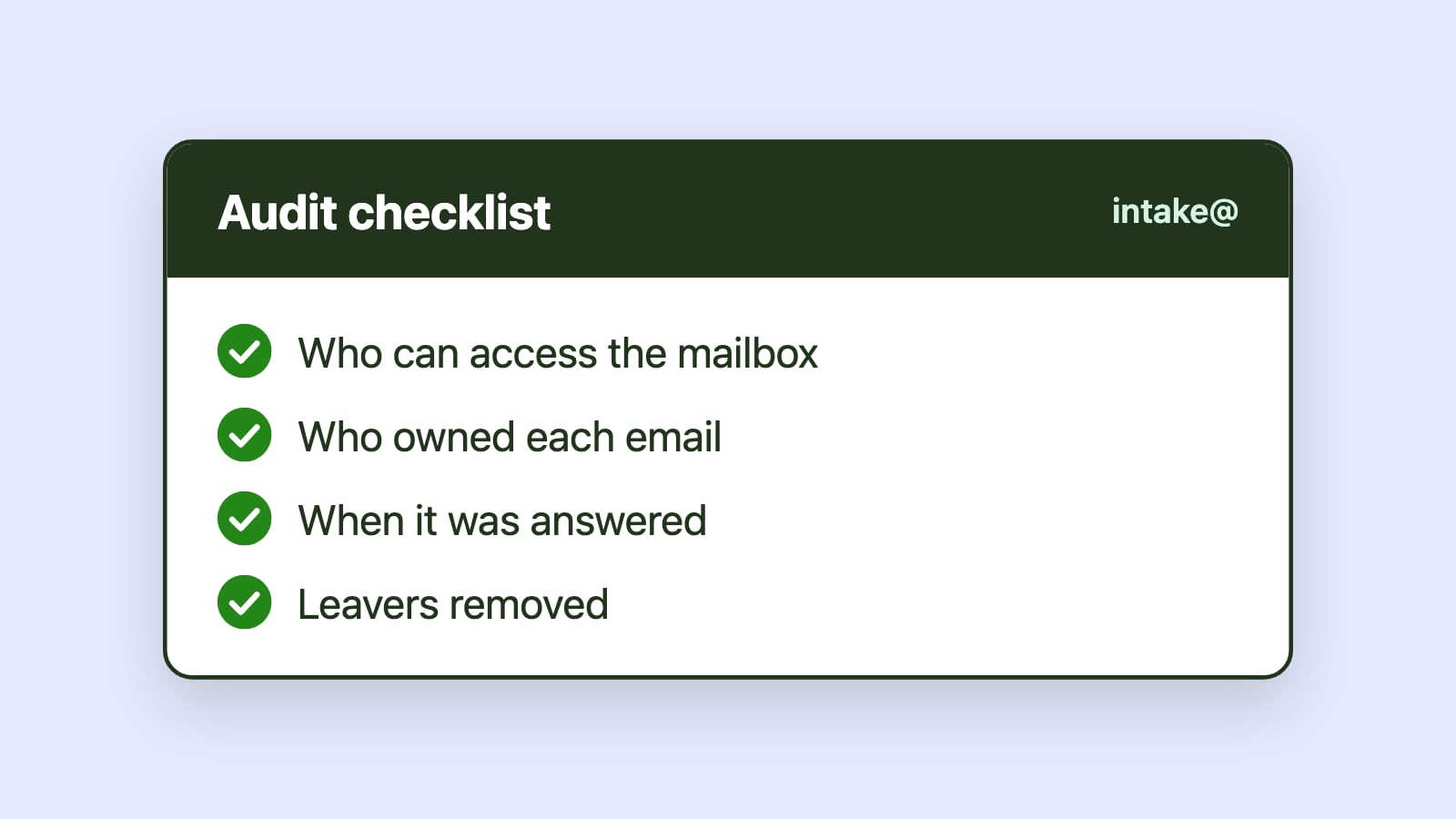
It becomes difficult to answer basic questions. Who handled this communication? When was it addressed? Was the correct process followed, and was it escalated appropriately? Was access correctly managed at the time?
Even when no violation has occurred, the inability to demonstrate control increases scrutiny. Compliance risk is not only about what went wrong, but also about whether the organization can prove that nothing did. Preparing for audits becomes reactive and resource-intensive, diverting IT and operations toward manual reconstruction of events.
In this context, unmanaged shared mailboxes are not just inefficient. They are vulnerable.
Why the cost and risk are consistently underestimated
One reason these costs persist is that unmanaged shared mailboxes rarely fail dramatically. Email continues to flow. Most customers receive responses. Teams compensate by checking the inbox more frequently, working longer hours or relying on informal coordination.
Shared inboxes also feel simple because they are familiar. They come bundled with Microsoft 365 and do not require special approval to create, so they are rarely treated as operational systems. Email workflows scale informally, and people become the safety net. When those people are absent, overloaded or replaced, the system reveals its fragility.
This creates an illusion of stability. The system appears functional because individuals absorb its inefficiencies. As volume grows or staffing changes, that margin of tolerance disappears. When performance finally degrades, organizations are forced to react under pressure. Tool adoption becomes rushed, process redesign feels urgent and change management becomes harder than it would have been earlier.
Making the cost visible and the risk manageable
Organizations that rely on shared inboxes for critical workflows need to treat email as infrastructure. The first step is visibility: understanding response times, ownership, workload distribution and backlog patterns across inboxes. Without that foundation, improvement efforts rest on assumptions rather than data.
Control does not require complexity. It requires clarity. When shared mailboxes are treated as operational systems rather than passive containers, costs become measurable. Ownership can be made explicit. Missed SLA targets can be surfaced as soon as they happen. Workload can be balanced intentionally. Reporting can inform decisions rather than follow them.
Microsoft 365-native shared mailbox management platforms introduce this structure without abandoning Outlook. Emailgistics adds automatic assignment, rules-based routing, SLA alerts, real-time dashboards and reports directly inside shared mailboxes, turning invisible cost into visible, manageable performance without changing how teams work in Outlook.
Conclusion
The hidden cost of unmanaged shared mailboxes is not limited to missed emails. It includes silent SLA erosion, lost customer trust, financial exposure, duplicated labor, leadership blind spots and compliance exposure. These costs grow gradually and remain unseen until service quality declines, a pattern the 2026 research on email overload backs up with hard numbers. If you want to see what that adds up to in dollars for your own team, our ROI calculator does the math using your actual headcount and salaries.
By introducing ownership, visibility and measurable performance into shared mailbox workflows, Microsoft 365 teams can stop these costs from compounding. When structure replaces informal vigilance, shared inboxes become controlled operational systems, customers experience reliability, and leaders can make decisions with confidence.