Shared inboxes fail because they hand out access without building in workflow: no one owns individual messages, so emails sit unanswered, get answered twice, or drift with no visibility into response times or workload. The fix isn't a new tool. It's adding ownership, SLA tracking, and reporting directly inside Outlook, which is what Emailgistics does.
Introduction
Shared inboxes were meant to simplify team communication. One inbox, multiple people, faster responses, better collaboration. In theory, it sounds like an efficient way to manage customer emails and internal requests.
In practice, many teams discover the opposite. Messages go unanswered because no one is sure who owns them. Two people reply to the same email without realizing it. Managers struggle to understand response times, workloads, or whether SLAs are being met. Customers wait longer than they should, and teams spend time untangling inbox confusion instead of actually helping customers.
If your team regularly asks questions like "Did anyone reply to this?" or "Who's handling that message?", your shared inbox may be slowing you down more than you realize.
The problem isn't email or Outlook. The problem is that shared inboxes weren't designed for structured, multi-person workflows. Without proper shared inbox management, teams quickly fall behind.
Where shared inboxes start to break down
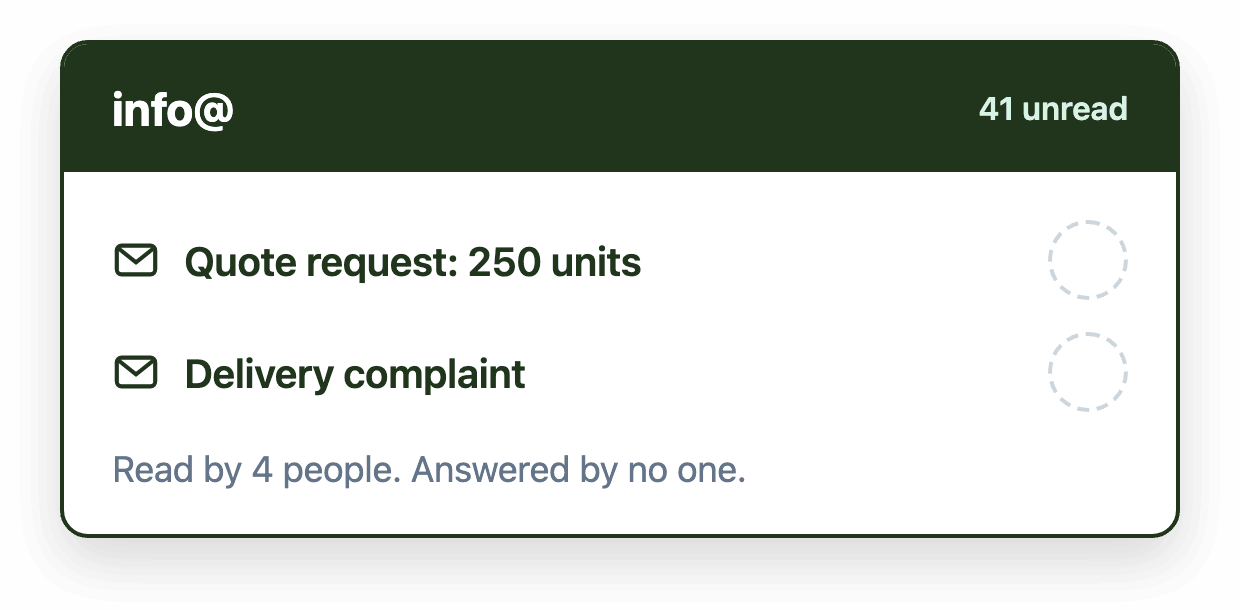
The biggest issue with shared inboxes is that visibility replaces ownership. Everyone can see every message, but no one is clearly responsible for responding. That ambiguity creates hesitation. Team members assume someone else will handle it, or they delay responding to avoid stepping on someone else's work.
Over time, this leads to slower response times and missed emails, especially as volume increases or requests become more complex. What might work for a handful of messages a day quickly breaks down when dozens or hundreds of emails arrive in the same inbox, and manual triaging fails.
Accountability also becomes difficult. Without clear ownership, it's hard to know who responded to which email, or whether anyone did at all. Managers are left piecing together information from Sent Items, folders, or memory. Performance reviews become subjective, coaching is reactive, and recurring problems can go unnoticed until customers complain.
Duplicate replies are another common symptom. Two people open the same message, both believe they should respond, and neither realizes the other is doing the same thing. For customers, this feels disorganized and unprofessional. For teams, it's an avoidable mistake that erodes confidence.
Perhaps the most limiting issue is the lack of insight. Outlook shared mailboxes don't provide meaningful analytics around response times, resolution rates, or workload distribution. You can see unread messages, but you can't easily answer basic operational questions. Without data, improvement turns into guesswork.
Manual workarounds are a warning sign
Most teams recognize these problems early and try to compensate. They create informal systems to impose structure where none exists. Sometimes that means color categories to signal ownership. Sometimes it's spreadsheets to track assignments or internal messages asking who's available to take something.
These workarounds can function at low volume, but they're fragile and hard to maintain at scale. As soon as someone forgets to apply a category, goes out sick, or volume spikes unexpectedly, the system breaks. Instead of reducing effort, these processes add friction and increase the chance of mistakes.
When teams rely heavily on workarounds, it's usually a sign that the inbox itself is missing the controls they actually need.
Why shared inboxes fail by design
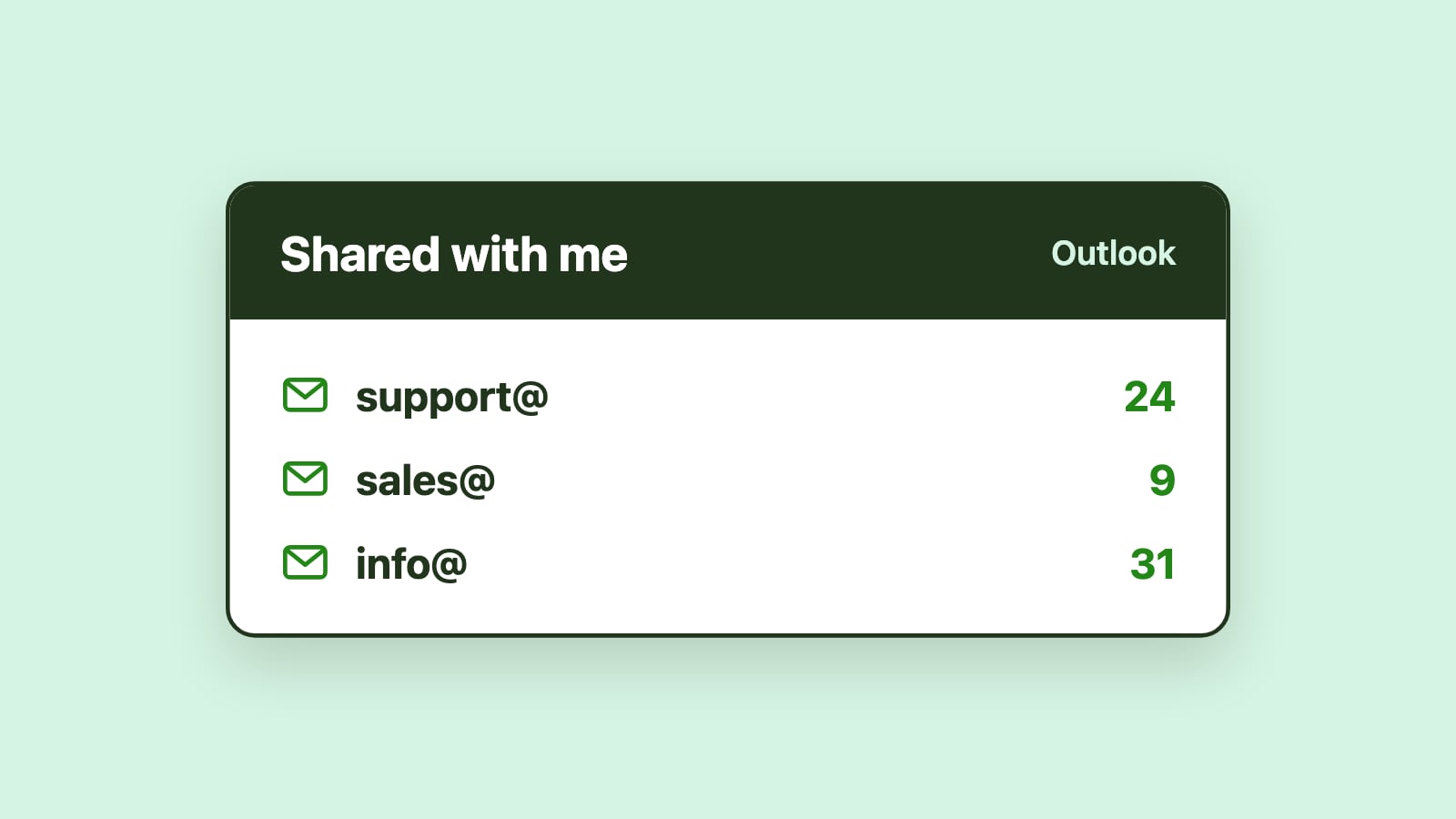
Shared inboxes were built to provide access, not workflow. Outlook allows multiple people to read and send email from the same address, but it doesn't assign messages, balance workloads, track SLAs, or prevent two people from replying to the same email.
That's manageable when one person owns the inbox. It becomes a problem the moment responsibility is shared across a team.
Fixing this doesn't require abandoning Outlook or forcing your team into a helpdesk tool they don't want. It requires adding structure to the inbox where Outlook stops short.
How Emailgistics fixes the shared inbox problem
Emailgistics was designed specifically to solve the operational gaps that shared inboxes create, while keeping teams fully inside Outlook.
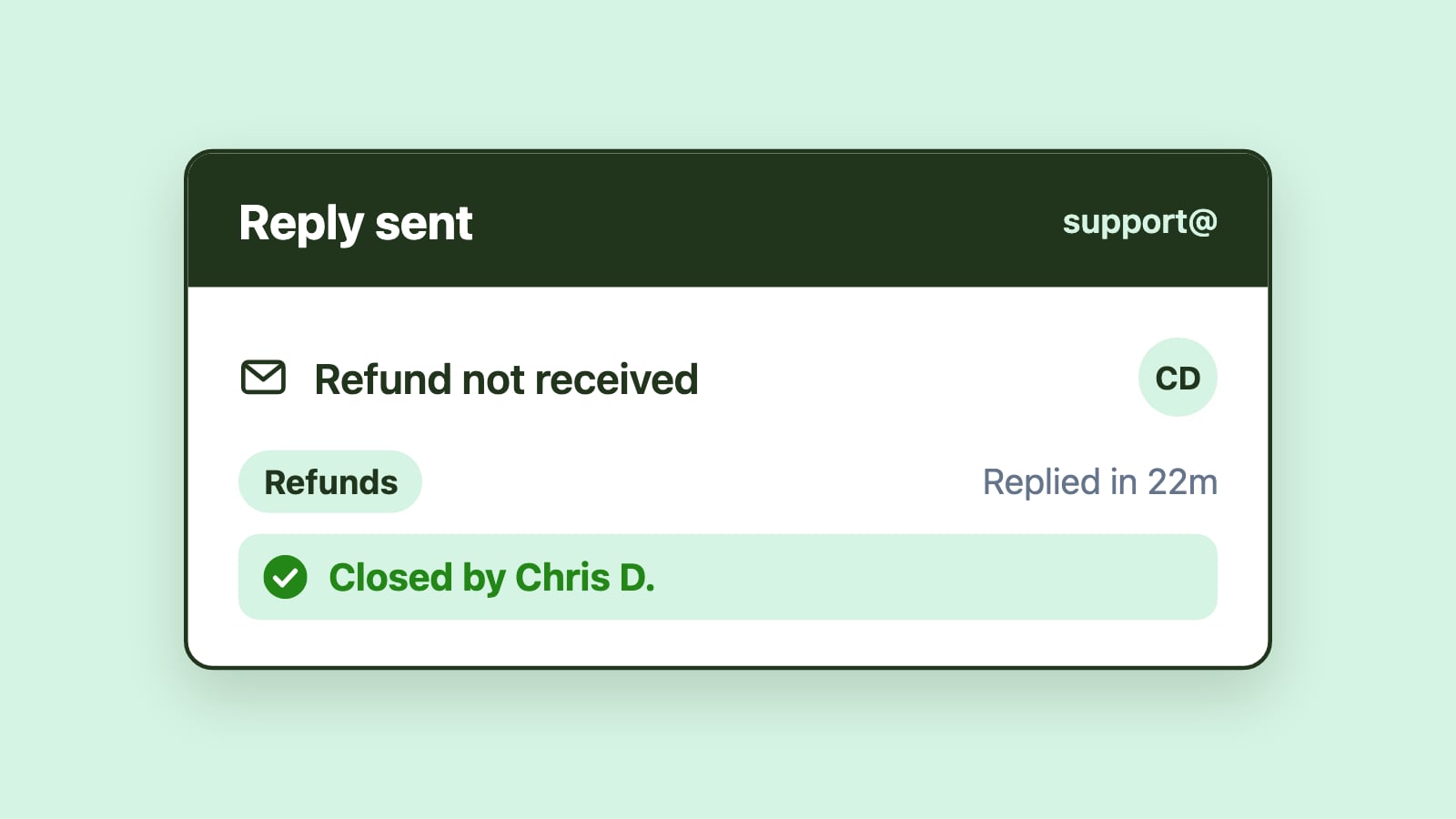
Instead of messages sitting unclaimed in a shared queue, Emailgistics assigns each incoming email to a specific owner as soon as it arrives. Assignment can be automatic or manual, simple or rules-based, depending on how your team works. The key difference is clarity: every email has a visible owner, and everyone knows who's responsible.
Once ownership is established, accountability becomes straightforward. Replies, reassignments, and resolution times are tracked automatically. Managers no longer need to chase updates or reconstruct timelines because performance data is already there.
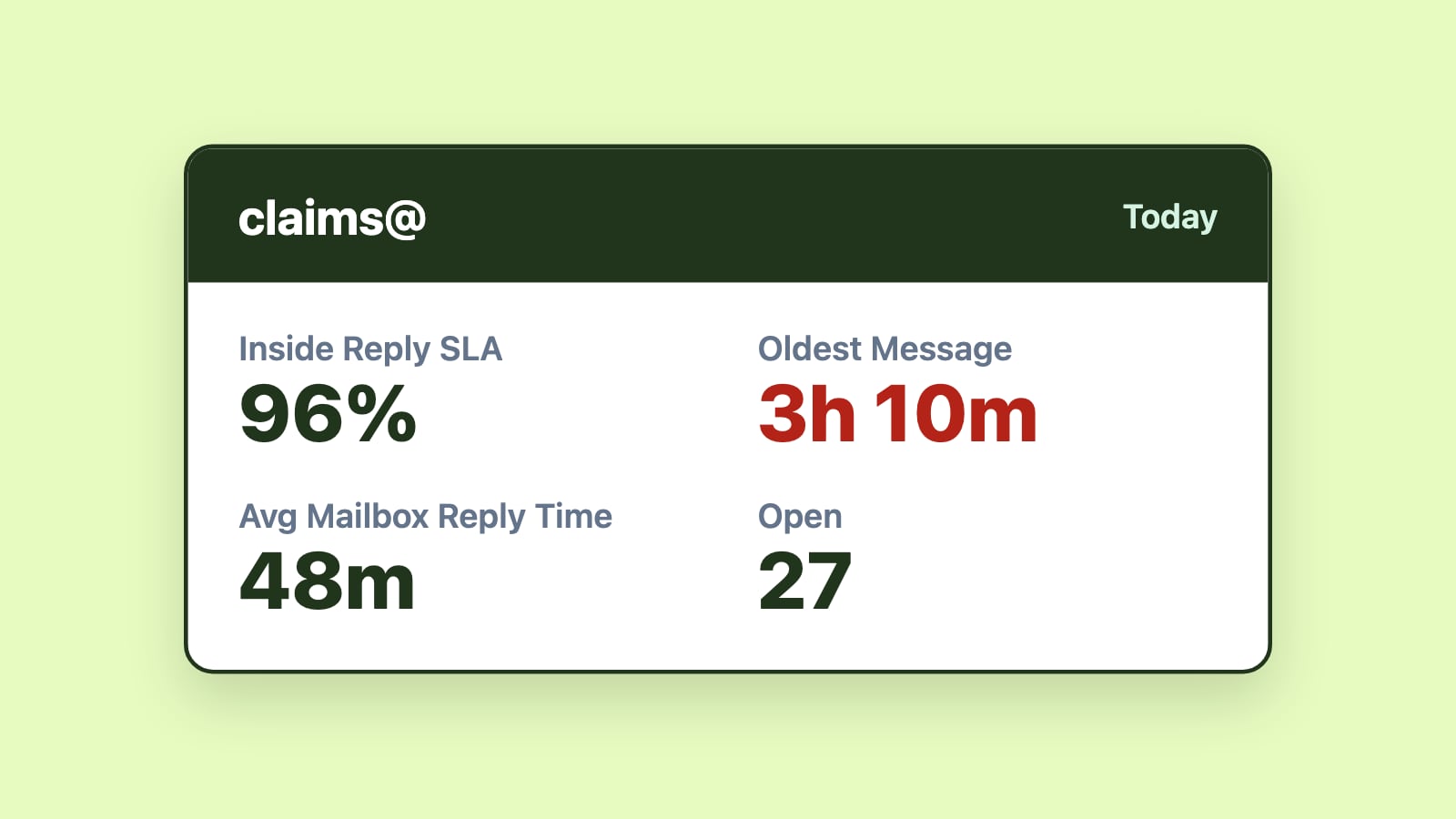
SLA tracking adds another layer of control. Emailgistics monitors response and resolution times against defined targets and alerts managers when an email has waited longer than the target. Instead of hearing about a missed SLA from an unhappy customer, teams can step in quickly and keep commitments to customers.
Visibility improves through real-time dashboards that show open messages, workload distribution, response trends, and aging conversations. Decisions are based on what's actually happening in the inbox, not assumptions or spot checks.
Importantly, all of this happens inside Outlook. Emailgistics runs as a Microsoft 365 add-in, so your team keeps working in the inbox they already know. There's no new platform to learn, no context switching, and no disruption to customer communication.
Turning shared inboxes into reliable workflows
Shared inboxes aren't broken by default. They simply weren't built for the way modern teams work. Without ownership, visibility, and accountability, they become bottlenecks. With the right structure in place, they become efficient, scalable workflows that support fast responses and consistent service.
Emailgistics adds that structure directly inside Outlook, giving teams clarity, managers control, and customers the timely responses they expect.
If your shared inbox feels more chaotic than collaborative, the issue isn't your team; it's the system they're working in. And that's something you can fix.