Shared mailbox governance in Microsoft 365 is the set of structures, policies, and visibility mechanisms, explicit message ownership, time-based accountability, and auditable activity, that keep shared inboxes controlled and defensible rather than informally managed. This guide is for IT, compliance and operations leaders who need to understand where shared mailboxes create governance risk and how to close those gaps without slowing teams down.
Introduction
Shared mailboxes in Microsoft 365 often sit at the center of operational workflows. Customer inquiries, financial documentation, approvals, claims processing, internal coordination, and compliance-related communication frequently flow through addresses such as support@, billing@, operations@, or claims@.
Despite their operational importance, governance around shared mailboxes is often informal. Access may be broadly granted. Responsibility may be assumed rather than assigned. Performance may be discussed but not systematically measured. As long as messages are being answered, the system appears functional.
As shared mailboxes scale, governance issues rarely show up as technical failures. Email is delivered. Permissions work. Instead, problems surface as uncertainty: about who handled a message, whether response obligations were met, and whether processes were followed consistently. These gaps matter most in regulated industries, but they affect any organization that needs predictable, defensible operations.
They rarely surface until something goes wrong. An audit requires documentation. A customer dispute requires reconstruction of events. A compliance review requires proof of a timely response. At that moment, ambiguity becomes risk.
Shared mailbox governance is not separate from workflow design. It is a direct consequence of it, which is why teams reduce governance risk by adding structure and automation to shared mailbox workflows rather than imposing heavier controls.
The Shared Mailbox Automation Framework (SMAF) provides a useful way to understand this relationship. It describes how shared mailbox workflows evolve from informal, person-dependent coordination to structured systems with clear ownership, accountability, and measurable performance. At lower levels, governance is implicit and difficult to enforce because responsibilities and timelines are not formally defined. As workflows mature, governance becomes embedded in the system itself through explicit assignment, time-based expectations, and observable activity, reducing reliance on manual oversight and retrospective investigation.
Definition: shared mailbox governance
Shared mailbox governance refers to the structures, policies, and visibility mechanisms that ensure shared inboxes operate in a controlled, accountable, and auditable manner within Microsoft 365. In practice, it means being able to demonstrate who had access, who took action, when actions occurred, and whether behavior aligned with internal or external requirements.
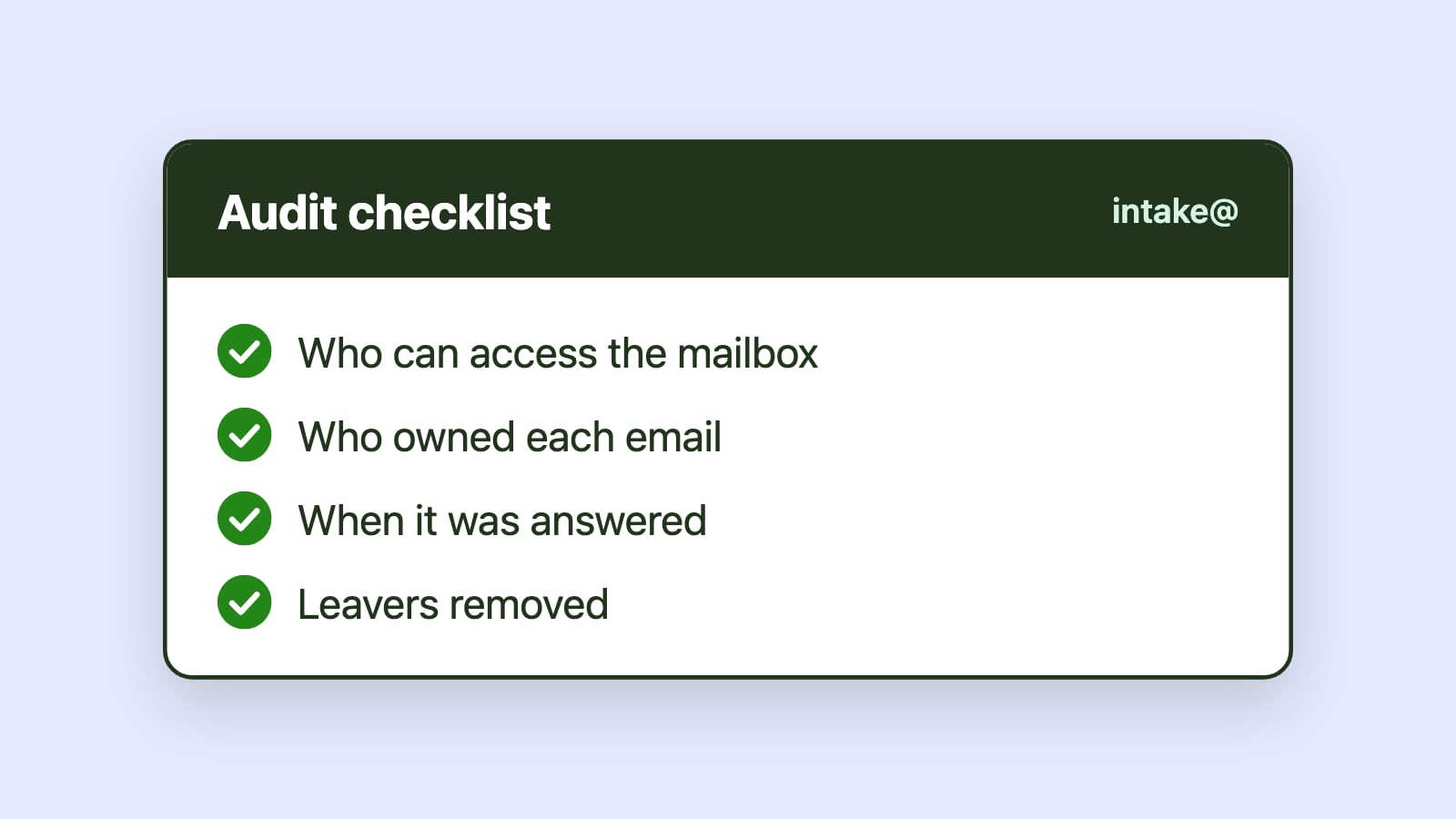
Governance addresses fundamental questions. Who has access to the mailbox? Who is responsible for each message? How is ownership established and tracked? How is timeliness monitored? Can activity be reconstructed later if needed?
Governance is not limited to shared mailbox security configuration, and it does not require locking systems down or slowing teams to a crawl. It requires operational clarity. When responsibility, timing, and outcomes are clear, governance becomes easier to maintain and easier to defend.
Why shared mailboxes create governance risk
Shared mailboxes introduce specific governance challenges because responsibility is collective.
In a personal inbox, accountability is implicit. In a shared inbox, accountability must be designed. Messages are sent from a single shared identity, but actions are taken by many individuals. Without explicit ownership, it can be difficult to determine who was responsible for a specific message at a specific time.
Most shared mailboxes also rely on informal workflows. Teams develop habits that work day to day, but those habits are hard to explain, audit, or reproduce under scrutiny. When questions arise weeks or months later, governance depends on memory, screenshots, or manual reconstruction rather than reliable system records.
Additional risks emerge when access permissions are broad and infrequently reviewed, message handling is undocumented, reassignments are informal, and response timing is not measured. Visibility gaps compound the problem: when there is no system-level view of ownership, timing, or backlog, governance becomes reactive and risk is discovered only after something goes wrong.
Even when no policy violation occurs, the inability to demonstrate control can undermine confidence during audits or internal reviews. Governance gaps often remain invisible until external scrutiny exposes them.
Ownership as the foundation of governance
Explicit ownership is the single most important governance capability in shared mailboxes.
When each message has a defined owner, responsibility becomes traceable. When reassignment is visible, accountability is preserved. When ownership history is recorded, investigation becomes possible. Explicit ownership creates a defensible record without requiring intrusive monitoring or manual documentation, so organizations can demonstrate control without micromanagement.
Implicit coordination cannot satisfy governance requirements because it cannot be reconstructed reliably. Ownership transforms shared mailboxes from collective spaces into accountable systems.
Governance begins with knowing who is responsible at any given moment.
Time awareness and regulatory exposure
In many industries, response timing is not merely a customer service metric. It is a compliance requirement.
Insurance claims processing, financial disclosures, healthcare communication, and public-sector correspondence often carry defined response expectations. Responses must occur within defined windows, acknowledgments must be prompt, and follow-ups must not be forgotten. Even when expectations are internal rather than contractual, consistent timing demonstrates operational control.
When time is invisible, governance risk accumulates quietly. Overdue messages are discovered late, compliance issues surface suddenly, and teams are forced into reactive explanations.
SLA visibility and time-aware workflows make aging visible. They allow organizations to demonstrate that messages were addressed within defined thresholds. They let managers step in as soon as a message passes its response threshold, turning governance into routine oversight instead of a post-mortem exercise.
Without time awareness, compliance becomes an assumption rather than a documented capability.
Access control and operational alignment
Microsoft 365 provides robust permission management for shared mailboxes. Administrators can define who can read from or send as a shared mailbox, and those controls are essential.
However, access control only answers who could act. It does not answer who did act, when they did so, or whether expectations were met. Governance requires aligning access control with workflow design.
Broad access without structured ownership increases ambiguity. Limited access without visibility can create bottlenecks. Effective governance aligns roles, permissions, and workflow responsibilities.
Access should support accountability rather than obscure it.
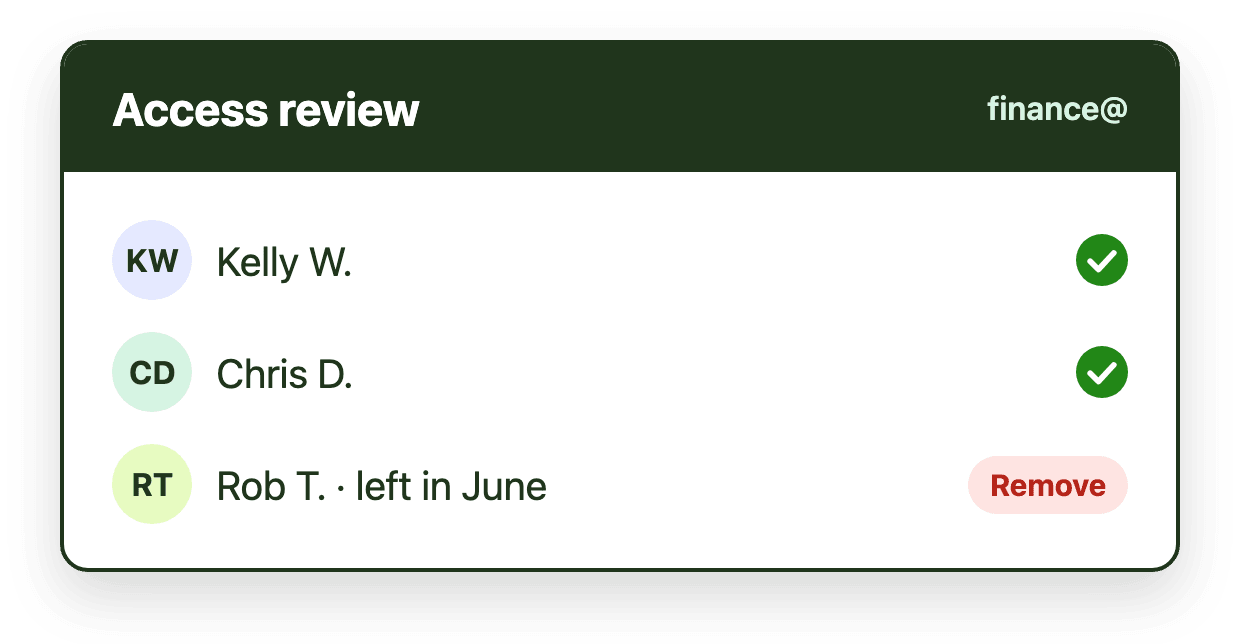
Regular review of mailbox permissions is a governance necessity, particularly in environments with turnover or role changes.
Auditability through workflow transparency
Auditability is the ability to reconstruct what happened after the fact, and it is strengthened when workflow activity is observable.
Assignment changes, response timestamps, and escalation events should be traceable. Teams should be able to answer practical questions without manual reconstruction. When did this message arrive? Who handled it? When was it first addressed? Was it reassigned? Did it exceed a response threshold?
Folder-based workflows and manual coordination make this difficult. Messages can be moved, renamed, or deleted without preserving an operational trail, and over time reconstructing events becomes guesswork. Opaque workflows increase the cost of answering these questions. Transparent workflows capture this context as part of everyday operation, reducing investigative friction and improving institutional memory.
Auditability is not about surveillance. It is about clarity.
Governance and maturity progression
Shared mailbox governance improves as workflow maturity increases. Many organizations progress through predictable stages: informal, trust-based handling; ad hoc documentation created after incidents; and finally structured workflows with built-in accountability. Shared mailboxes tend to accelerate this progression because they concentrate responsibility and risk into a single operational system, so the cost of ambiguity becomes visible quickly as volume and scrutiny increase.
The Shared Mailbox Automation Framework formalizes these stages into a five-level maturity model, with a free self-assessment to help teams identify where they currently sit, and links governance outcomes directly to underlying workflow design.
At lower maturity levels, governance is largely administrative. Access may be controlled, but responsibility is diffuse, actions are not consistently tracked, and performance is difficult to verify. Oversight depends on individual effort rather than system visibility.
As maturity increases, governance becomes operational. Explicit ownership enables accountability. Time-based expectations make responsiveness measurable. Analytics and activity data provide a reliable record of how work is performed, supporting audits, compliance requirements, and resource planning.
Governance does not emerge independently. It evolves in parallel with structural workflow improvements, becoming more consistent, enforceable, and observable as capabilities advance.
Balancing flexibility and control
Effective governance does not require rigid bureaucracy. A common mistake is equating governance with restriction: overly rigid controls slow work and often encourage workarounds that increase risk rather than reduce it.
Shared mailboxes often handle mixed workloads, and flexibility remains important. Governance should clarify responsibility and visibility without constraining legitimate variation in handling. Effective shared mailbox governance focuses on consistency instead of rigidity, visibility instead of surveillance, and accountability instead of blame.
Control and flexibility are not opposites. When ownership and timing are explicit, teams can exercise judgment confidently because accountability remains intact, and enforcement becomes the exception rather than the rule.
What shared mailbox governance does not require
Improving shared mailbox governance does not require turning email into tickets, monitoring individuals constantly, or introducing complex approval chains. It requires workflows that make responsibility and timing explicit by design.
Outlook-native governance considerations
Many organizations want stronger governance without leaving Microsoft 365 or retraining teams on new systems. Governance that requires switching tools or duplicating work often fails in practice.
For Microsoft 365 organizations, governance improves when operational accountability exists within the same environment as communication. When shared mailbox structure operates inside Outlook, ownership and timing signals align with Microsoft 365 identity, permissions, and audit capabilities. This reduces fragmentation between operational and compliance oversight.
Emailgistics supports structured ownership, SLA visibility, and analytics directly inside Microsoft 365 shared mailboxes, helping organizations strengthen governance while preserving Outlook-native workflows.
Governance is continuous, not episodic
Governance should not be triggered only by audits or incidents.
Ongoing visibility into ownership, timing, workload distribution, and backlog creates a continuous governance posture. Instead of reconstructing history under pressure, organizations operate with persistent transparency.
Continuous governance reduces risk before it materializes.
Conclusion
Shared mailbox governance in Microsoft 365 extends beyond access permissions. It encompasses ownership, time awareness, visibility, auditability, and structural accountability. Informal inbox practices create ambiguity around all of these, and that ambiguity grows with volume. As shared mailboxes become operational systems rather than simple communication tools, governance must mature alongside workflow design.
By aligning responsibility, timing, and transparency within Outlook-based workflows, organizations reduce risk, improve audit readiness, and strengthen confidence in shared mailbox operations. Governance is not an overlay. It is the structural expression of operational maturity.